Image Text Editor Online | Edit Text in Images

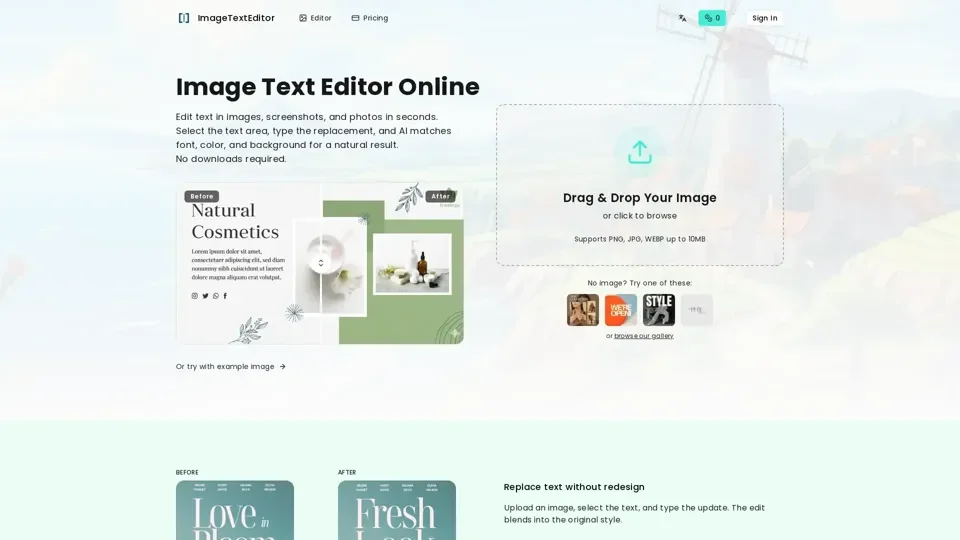
Replace text in photos, screenshots, and designs. Select the text area, type the replacement, and AI matches font, color, and background.

訪問網站
Image Text Editor Online | Edit Text in Images

介紹

What is Image Text Editor Online

Image Text Editor Online is an AI-driven platform that allows users to edit text in images, screenshots, and photos in seconds. It enables users to select the text area, type the replacement, and AI matches font, color, and background for a natural result. No downloads are required, making it a convenient and efficient tool for editing images.

Feature of Image Text Editor Online

The key features of Image Text Editor Online include:

  1. Style-aware replacement: Matches font, size, and color as closely as possible to ensure a natural-looking result.

  2. Background rebuilt: Removes old text and restores the surrounding texture, ensuring a seamless edit.

  3. Fast export: Get the updated image in seconds and download instantly.

  4. Supports PNG, JPG, WEBP up to 10MB: Allows users to edit a wide range of image formats.

  5. No image? Try one of these: Provides a gallery of images for users to try out the editor.

How to Use Image Text Editor Online

Using Image Text Editor Online is a simple three-step process:

  1. Upload your image: JPG, PNG, and WEBP are supported.

  2. Select the text area: Include a little surrounding background for better results.

  3. Type and generate: Download the updated image when it looks right.

Price of Image Text Editor Online

The pricing of Image Text Editor Online is not explicitly stated, but it offers a convenient and efficient way to edit images without requiring any downloads.

Helpful Tips for Using Image Text Editor Online

Some helpful tips for using Image Text Editor Online include:

  • Modify any text in a picture: Rewrite poster headlines, event titles, or social banners, and AI replaces the old text cleanly—no Photoshop needed.

  • Add custom text to product photos: Great for eCommerce sellers who need fast product highlights or promo callouts.

  • Remove text or logos from images: Erase watermarks, brand marks, or labels with AI inpainting so the background looks untouched.

  • Change font color without losing style: Try new colors or keep the original look—AI adjusts lighting and texture to blend in.

Frequently Asked Questions

Some frequently asked questions about Image Text Editor Online include:

  • What is an image text editor?: An image text editor is a tool that allows users to edit text in images.

  • Does it keep the original font?: Yes, the editor tries to match the original font, color, and size.

  • What images work best?: Images with clear and legible text work best.

  • What images are harder?: Images with complex backgrounds or low-quality text may be more challenging to edit.

  • What image formats are supported?: PNG, JPG, and WEBP are supported.

  • Can I edit multiple text areas in one image?: Yes, users can edit multiple text areas in one image.

  • Is this an image text editor online?: Yes, Image Text Editor Online is a web-based tool that allows users to edit text in images online.