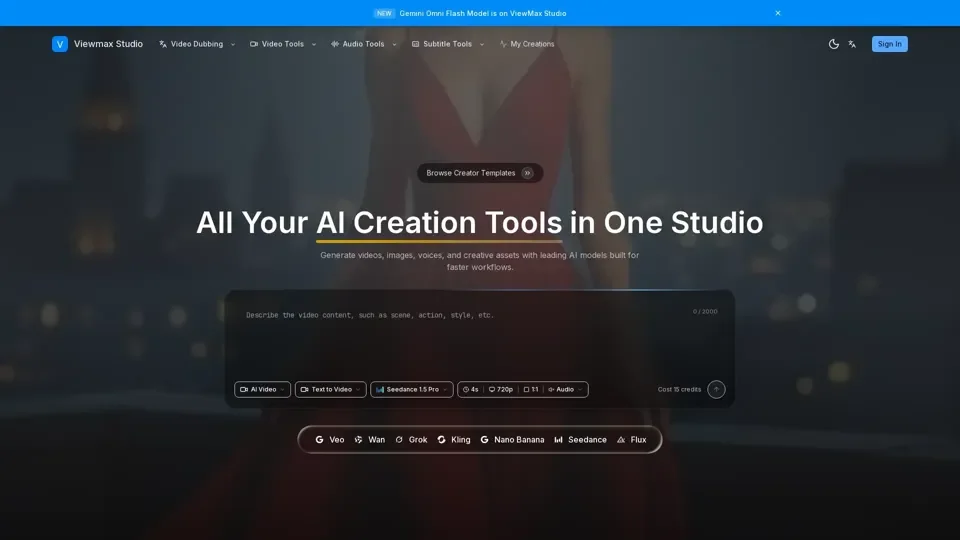
What is Viewmax Studio
Viewmax Studio is a powerful AI image to video generator that transforms static images into dynamic, engaging videos. It offers a range of features, including image to video AI, text to video, multiple AI models, fast generation, and high-quality output.
Feature of Viewmax Studio
The key features of Viewmax Studio include:
-
Image to Video AI: Transform static images into dynamic videos with natural motion and cinematic effects.
-
Text to Video: Describe your vision and let AI create the perfect video from text prompts.
-
Multiple AI Models: Choose from various AI models, including Kling, Runway, and more, for different styles and quality levels.
-
Fast Generation: Get your videos generated in seconds with an optimized AI pipeline.
-
High Quality Output: Generate HD videos perfect for social media, marketing, and creative projects.
-
Credit System: Flexible pay-as-you-go pricing, starting with free credits and scaling as needed.
How to Use Viewmax Studio
To create stunning AI videos with Viewmax Studio, follow these simple steps:
-
Upload Your Image: Select any image you want to transform into a video, supporting JPG, PNG, and WebP formats.
-
Describe Your Vision: Add a prompt to guide the AI on what motion and effects you want in your video.
-
Choose AI Model: Select from multiple AI models optimized for different video styles and quality levels.
-
Download & Share: Get your generated video in seconds and download and share on social media instantly.
Price of Viewmax Studio
Viewmax Studio uses a flexible credit system, where new users get free credits to try the service. You can purchase additional credits as needed, with different AI models consuming different amounts of credits based on quality and video length.
Helpful Tips for Using Viewmax Studio
To maximize your use of Viewmax Studio, consider the following tips:
- Use high-resolution images (1024x1024 or larger) for the best results.
- Experiment with different AI models to find the one that best fits your needs.
- Take advantage of the credit system to scale your video generation as needed.
Frequently Asked Questions
Some frequently asked questions about Viewmax Studio include:
-
What is Viewmax Studio and how does it work?: Viewmax Studio is an AI-powered image to video generator that transforms static images into dynamic videos.
-
What types of images work best with Viewmax Studio?: Viewmax Studio works great with most images, including photos, artwork, product images, and illustrations.
-
How long does it take to generate a video?: Video generation typically takes between 30 seconds to 2 minutes, depending on the AI model and video length chosen.
-
Can I use the generated videos commercially?: Yes, videos generated with Viewmax Studio can be used for commercial purposes, including social media, marketing, advertisements, and more.