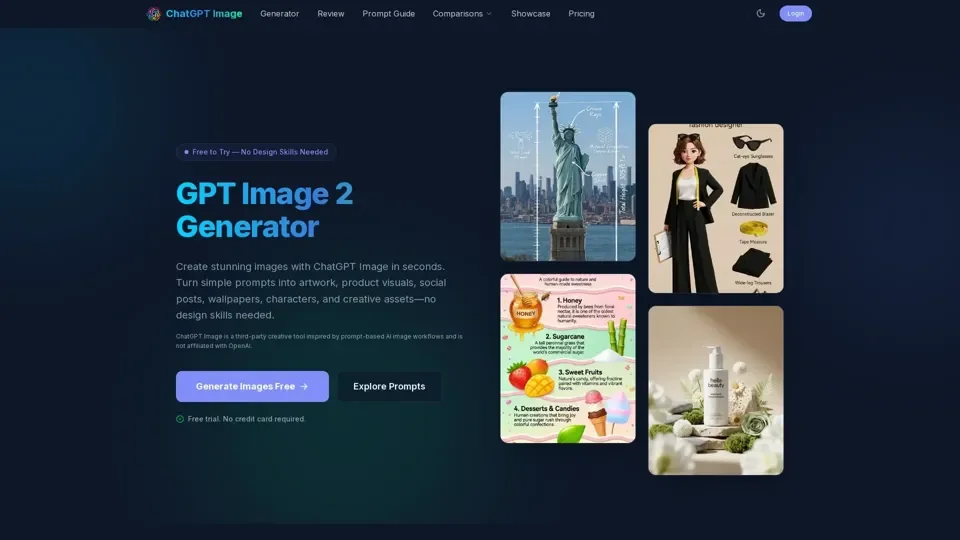
What is ChatGPT Image
ChatGPT Image is an AI-driven platform that provides access to a vast array of AI technologies for various needs, including text-to-image generation. It allows users to create stunning images with simple prompts, turning plain-language descriptions into practical creative assets.
Feature
The main features of ChatGPT Image include:
-
Prompt-based image generation: Users can describe the image they want in natural language, including the subject, style, mood, background, colors, and details.
-
Multi-style support: ChatGPT Image can generate realistic photos, digital art, anime-inspired scenes, product mockups, posters, avatars, wallpapers, and more.
-
Free trial: Users can try ChatGPT Image for free, with no credit card required.
-
No design skills needed: ChatGPT Image is designed for users who may not have experience with Photoshop, illustration, or professional design workflows.
How to Use ChatGPT Image
To use ChatGPT Image, follow these simple steps:
-
Describe your image: Enter a clear prompt, including the subject, style, mood, background, colors, and any details you want the AI image generator to follow.
-
Generate your result: Click generate and let ChatGPT Image create a visual based on your prompt.
-
Refine and download: Adjust your prompt, try a new style, add more detail, or simplify the scene until the image matches your idea, then save your favorite result.
Price
ChatGPT Image offers a free trial, with availability, usage limits, advanced features, and export options varying depending on the current product experience and any future pricing plans.
Helpful Tips
To get the best results from ChatGPT Image:
- Write prompts that are specific, visual, and structured.
- Mention the main subject first, then add the environment, style, lighting, color palette, composition, and intended use.
- Refine your results by adjusting the prompt and generating improved versions based on what you liked or disliked in the previous image.
Frequently Asked Questions
What is a ChatGPT image generator?
A ChatGPT image generator is an AI tool that creates images from text prompts.
Is ChatGPT Image free to use?
ChatGPT Image is free to try, with availability, usage limits, advanced features, and export options varying depending on the current product experience and any future pricing plans.
Do I need design skills?
No, ChatGPT Image is designed for users who may not have experience with Photoshop, illustration, or professional design workflows.
What can I create with ChatGPT Image?
You can create AI art, portraits, characters, product mockups, social media graphics, posters, wallpapers, concept art, thumbnails, blog images, and mood boards.
How do I write a good prompt?
A good prompt gives the AI enough direction without becoming confusing. Start with the main subject, then add the style, setting, lighting, colors, mood, camera angle, and any important constraints.