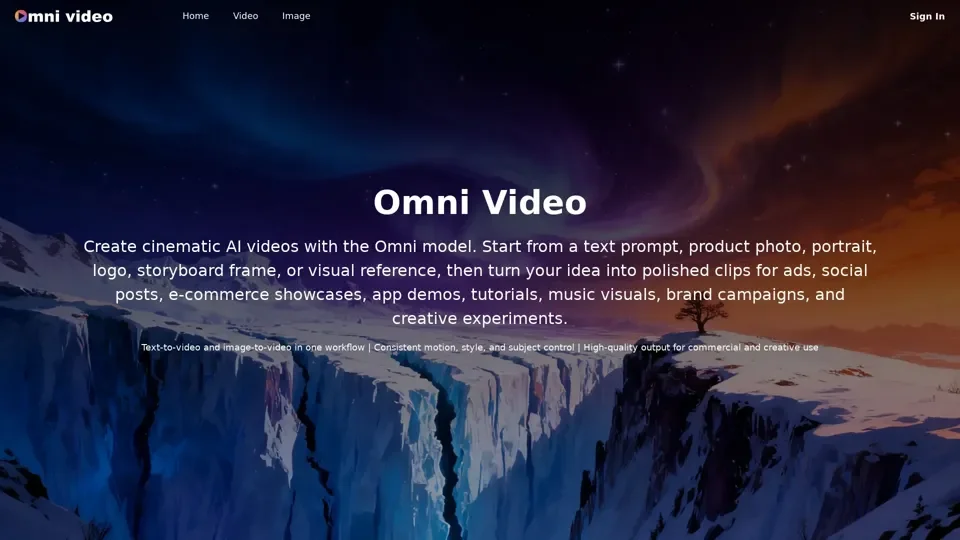
What is Omni Video
Omni Video is an AI-driven platform that provides access to a vast array of AI video generation technologies for various needs, including text-to-video and image-to-video creation. The Omni model supports the generation of polished, commercial-ready video content from text prompts, image references, or both combined.
Feature of Omni Video
The main features of Omni Video include:
-
Unified text and image video generation: Omni Video accepts text prompts, image references, or both combined, giving users flexible control over the look, motion, and style of every generated clip.
-
Cinematic motion and composition: Generate smooth, professional-quality video with stable subjects, natural camera movement, and consistent visual direction across frames.
-
Fast creative iteration: Move from prompt to preview in seconds, refine direction, adjust settings, and regenerate until the Omni Video output matches the creative vision.
-
High-quality output: Omni Video generates HD video at up to 1080P resolution, delivering smooth and professional-quality output suitable for marketing, social media, and commercial use.
How to Use Omni Video
To use Omni Video, follow these steps:
-
Access the Video page: Use the Video page on omnivideoeditor.com to start generating videos.
-
Provide prompts or images: Start from a written prompt, a visual reference, or a combination of both.
-
Adjust settings: Refine direction, adjust settings, and regenerate until the Omni Video output matches the creative vision.
-
Generate video: Click the "Generate" button to create a cinematic video from the provided prompts or images.
Price of Omni Video
The pricing of Omni Video is not explicitly stated, but it is mentioned that paid-plan outputs can be used for commercial work according to the plan terms and site policies.
Helpful Tips for Omni Video
To maximize the use of Omni Video, follow these tips:
-
Use the seed feature: Enable the seed feature to maintain consistent style and character appearance across generated videos.
-
Experiment with different prompts: Try different prompts, images, or combinations of both to achieve the desired creative vision.
-
Adjust settings: Refine direction, adjust settings, and regenerate until the Omni Video output matches the creative vision.
Frequently Asked Questions
-
What is Omni Video?: Omni Video is the AI video creation experience built around the Omni model on omnivideoeditor.com.
-
Where do I create Omni videos?: Use the Video page on omnivideoeditor.com to start generating videos.
-
Can I create videos from images with Omni Video?: Yes, Omni Video supports both text-to-video and image-to-video creation.
-
How long does generation take?: Generation time depends on settings, queue load, and output length.
-
What video quality does Omni Video support?: Omni Video generates HD video at up to 1080P resolution.
-
Do I need video editing skills to use Omni Video?: No, Omni Video Editor is designed to lower the creative barrier.
-
Can I use generated videos commercially?: Paid-plan outputs can be used for commercial work according to the plan terms and site policies.