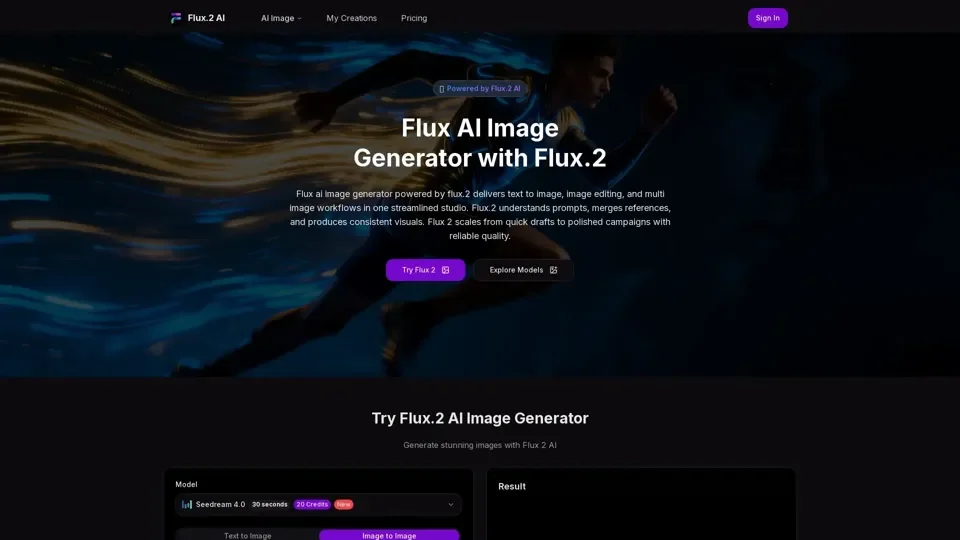
What is Flux.2 AI Image Generator?
Flux.2 AI Image Generator is a cutting-edge, free online tool that transforms text prompts into stunning visual content. Powered by advanced diffusion models and neural networks, it delivers photorealistic and artistic outputs that rival premium commercial generators. Whether you need concept art, marketing visuals, or creative illustrations, Flux.2 provides professional-grade results without any cost or signup requirements.
Key Features
- Text to Image Generation: Create high-quality images from detailed text descriptions and prompts. The AI understands complex scenes, styles, and compositions to produce exactly what you envision.
- Image to Image Editing: Transform and modify existing images with AI precision. Upload a photo and let the AI reimagine it in different styles or make targeted edits.
- Flux Kontext Style Control: Advanced style consistency engine that maintains artistic direction across multiple generations. Perfect for creating cohesive visual series and brand content.
- Multi-Image Workflows: Combine multiple inputs and reference images for complex compositions. Build sophisticated scenes by blending elements from different sources.
Why Choose Flux.2 Over Other AI Generators?
Unlike many AI image generators that require subscriptions or add watermarks, Flux.2 offers completely free access with no usage limits. The Kontext feature provides unparalleled style consistency, solving one of the biggest challenges in AI image generation. The platform runs entirely in your browser, requiring no software installation or powerful hardware.
Who Uses Flux.2?
Professional designers use Flux.2 for rapid concept prototyping and client presentations. Marketing teams generate social media visuals and advertising creative at scale. Content creators produce unique illustrations for blogs, videos, and digital products. Hobbyists and artists explore new creative possibilities without financial barriers. Educators use it as a teaching tool for visual design and AI technology.
Getting Started
Simply visit the website, enter your text prompt, and click generate. No account creation, no credit card, no downloads. Results appear in seconds, and you can iterate instantly to refine your vision. Flux.2 makes professional AI image generation accessible to everyone.