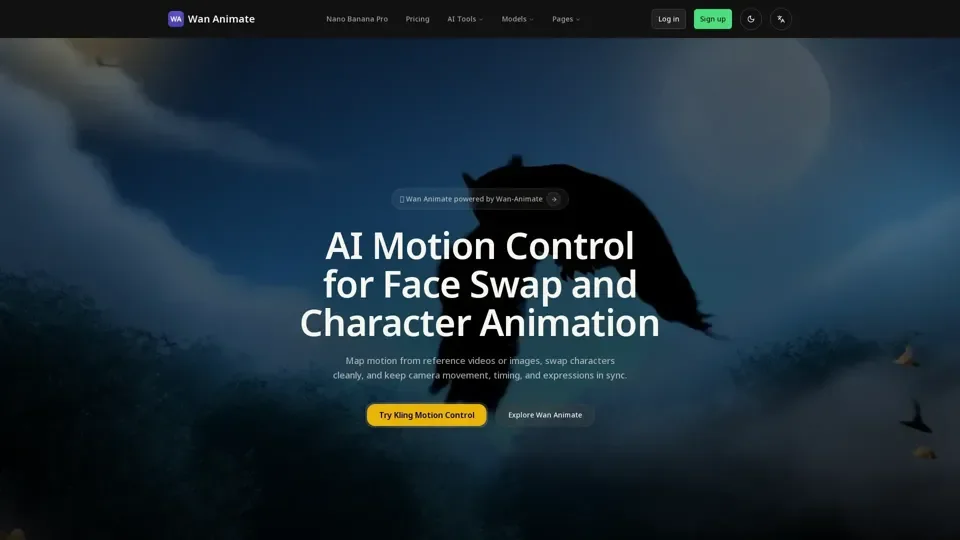
What is Wan Animate
Wan Animate is an AI-driven platform that provides access to a vast array of AI technologies for various needs, including character animation, face swap, and motion control. It combines text-to-video, image-guided motion, and reference-based replacement so teams can plan, produce, and refine AI animation faster.
Feature of Wan Animate
-
Character Animation: Wan Animate allows users to map facial cues, lip sync, and body motion from a performer onto any character while keeping expressions natural.
-
Face Swap: Wan Animate enables users to swap characters cleanly, keeping camera movement, timing, and expressions in sync.
-
Motion Control: Wan Animate provides motion control for face swap and character animation, allowing users to map motion from reference videos or images.
-
Style-Consistent Characters: Wan Animate preserves proportion, lighting, and silhouette continuity when swapping characters.
-
Camera & Motion Sync: Wan Animate matches sweeping pans and fast body motion from live-action references, keeping sequences cinematic instead of static.
How to Use Wan Animate
To use Wan Animate, users can follow these steps:
-
Choose a Plan: Select a plan that matches your volume, from lightweight testing to full production pipelines.
-
Create a Project: Start creating with Wan Animate's production-ready workflow.
-
Upload Assets: Upload your own characters and brand assets to Wan Animate.
-
Use Wan Animate Tools: Utilize Wan Animate's tools, including text-to-video, image-guided motion, and reference-based replacement.
Price of Wan Animate
Wan Animate offers several plans, including:
-
Free: 10 credits, preview AI video generation with essential tools.
-
Creator: $9.9/month, 500 credits, for growing creators shipping weekly videos.
-
Studio: $19.9/month, 1200 credits, built for studios that need scale and priority delivery.
Helpful Tips for Using Wan Animate
-
Start with a Free Plan: Try Wan Animate's free plan to preview AI video generation with essential tools.
-
Choose the Right Plan: Select a plan that matches your volume and needs.
-
Upload High-Quality Assets: Upload high-quality characters and brand assets to achieve the best results.
-
Use Wan Animate's Tools: Utilize Wan Animate's tools, including text-to-video, image-guided motion, and reference-based replacement.
Frequently Asked Questions
-
What is Wan Animate and how does it work?: Wan Animate is an AI-driven platform that provides access to a vast array of AI technologies for character animation, face swap, and motion control.
-
Which quality settings and durations does Wan Animate support?: Wan Animate supports various quality settings and durations, including HD previews with watermark.
-
Can I use my own characters and brand assets in Wan Animate?: Yes, users can upload their own characters and brand assets to Wan Animate.
-
Is there API access for Wan Animate integrations?: Yes, Wan Animate provides API access for integrations.