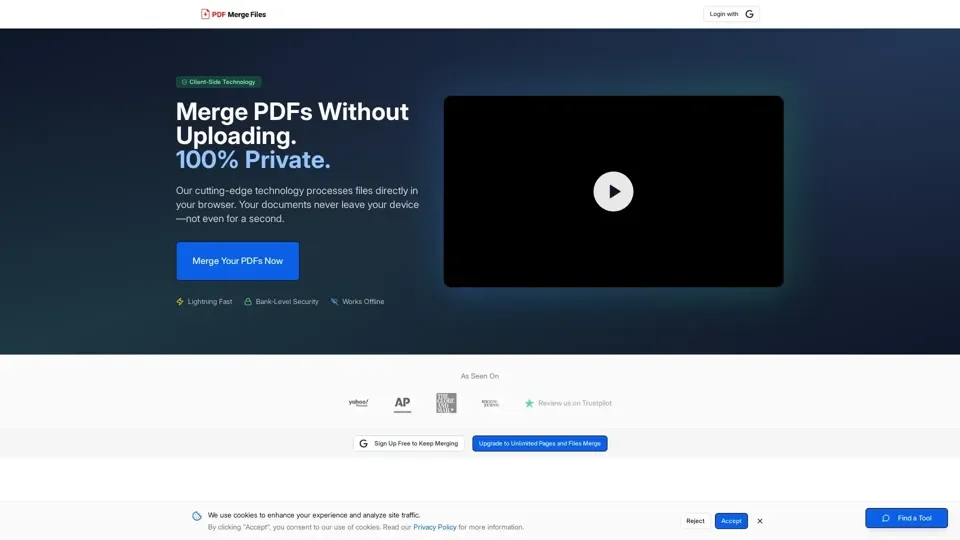
What is PDF Merge Files?
PDF Merge Files is a privacy-first online tool that combines multiple PDF documents, images (JPG, PNG), and mixed files into one polished PDF. Powered by cutting-edge client-side WebAssembly technology, it delivers enterprise-grade security by ensuring sensitive files never leave your browser.
Key Features
- Bank-Level Security: Zero server uploads—all PDF processing happens locally in your browser with WebAssembly.
- Lightning-Fast Merging: Combine documents in seconds with the optimized client-side processing engine.
- Multi-Format Support: Seamlessly merge PDFs, JPGs, and PNGs into a single professional document.
- Complete Privacy: No file storage, no tracking, no third-party access—documents remain 100% private.
- Works Everywhere: Fully responsive design for desktop, tablet, and mobile devices.
- Drag-to-Reorder: Intuitively rearrange files before merging with drag-and-drop controls.
How to Merge PDFs
- Add Files: Drag and drop PDF or image files, or click to browse and select from your device.
- Arrange Order: Drag files into your desired sequence for the final merged document.
- Download: Click merge and your combined PDF downloads instantly.
Pricing
- Free: 3 merges per day with file size and page limitations.
- Annual Pro: $5.75/month (billed $69/year)—unlimited merges, no limits, priority processing.
- Monthly Pro: $9.99/month—unlimited merges with full features.
- One-Time Access: Starting at $3.99 for 24-hour unlimited access.
Helpful Tips
- Use daily free merges for quick small tasks.
- Upgrade to Pro for heavy usage or large document batches.
- Take advantage of offline capability for sensitive documents.
Frequently Asked Questions
- Are files stored on servers? No, all processing is local—files never leave your device.
- What formats are supported? PDF, JPG, and PNG files.
- Can I reorder pages? Yes, drag-and-drop reordering is available before merging.
- Does it work offline? Yes, the tool works in airplane mode.