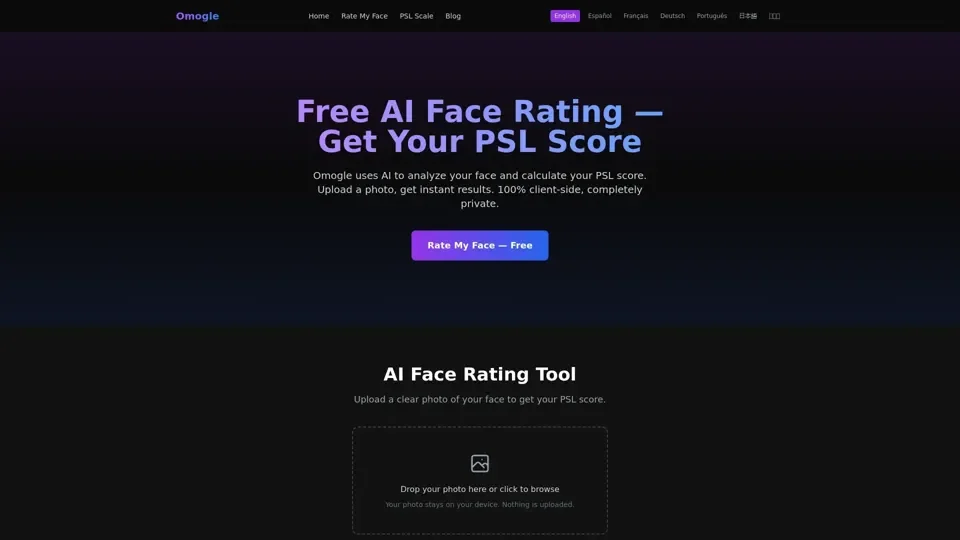
What is Omogle
Omogle is an AI-driven platform that provides a free AI face rating tool, allowing users to upload a photo and receive an instant PSL score. The platform uses advanced facial landmark detection with 68-point mapping for precise facial feature measurement, ensuring accurate results. With Omogle, users can get rated on the PSL scale (1-10) with sub-scores for symmetry, jawline, canthal tilt, and more.
Feature
The key features of Omogle include:
-
Advanced facial landmark detection: Omogle uses 68-point mapping for precise facial feature measurement.
-
PSL scale scoring: Users get rated on the PSL scale (1-10) with sub-scores for symmetry, jawline, canthal tilt, and more.
-
100% private: All processing happens in the user's browser, ensuring complete privacy and security.
-
Free to use: Omogle is completely free to use with no limits, no hidden fees, and no premium tiers.
-
Mobile-friendly: Omogle works on any modern browser, including Chrome, Safari, Firefox, and Edge, on both iOS and Android devices.
How to Use Omogle
To get the best PSL score on Omogle, follow these tips:
-
Use a front-facing photo: Position your camera at eye level and face it directly.
-
Natural lighting: Take your photo near a window or outdoors on an overcast day.
-
Neutral expression or slight smile: Keep your face relaxed with your mouth closed, or show a natural, gentle smile.
-
Clear background: Stand in front of a plain wall or any uncluttered background.
-
Hair pulled back: Tie your hair back so your forehead and jawline are fully visible.
-
No sunglasses or heavy filters: Remove sunglasses, hats, and avoid using beauty filters or editing apps before uploading.
Price
Omogle is completely free to use, with no limits, no hidden fees, and no premium tiers.
Helpful Tips
To maximize your use of Omogle's AI face rating tool, remember:
-
Use a clear and recent photo: Ensure your photo is clear and recent to get an accurate PSL score.
-
Experiment with different expressions: Try different expressions to see how they affect your PSL score.
-
Use Omogle for entertainment purposes only: Remember that Omogle's AI face rating is for entertainment purposes only, and scores should not be taken as objective measures of attractiveness.
Frequently Asked Questions
-
Is Omogle free to use?: Yes, Omogle is completely free to use with no limits.
-
How accurate is the AI face rating?: Omogle's face rating is an algorithmic approximation designed for entertainment purposes.
-
Is my photo safe?: Absolutely, Omogle processes everything 100% client-side in your browser, ensuring complete privacy and security.
-
What is a good PSL score?: On the PSL scale, 5 is the statistical average, while a score of 6 or above is considered above average.
-
Can I use Omogle on mobile?: Yes, Omogle works on any modern browser, including Chrome, Safari, Firefox, and Edge, on both iOS and Android devices.