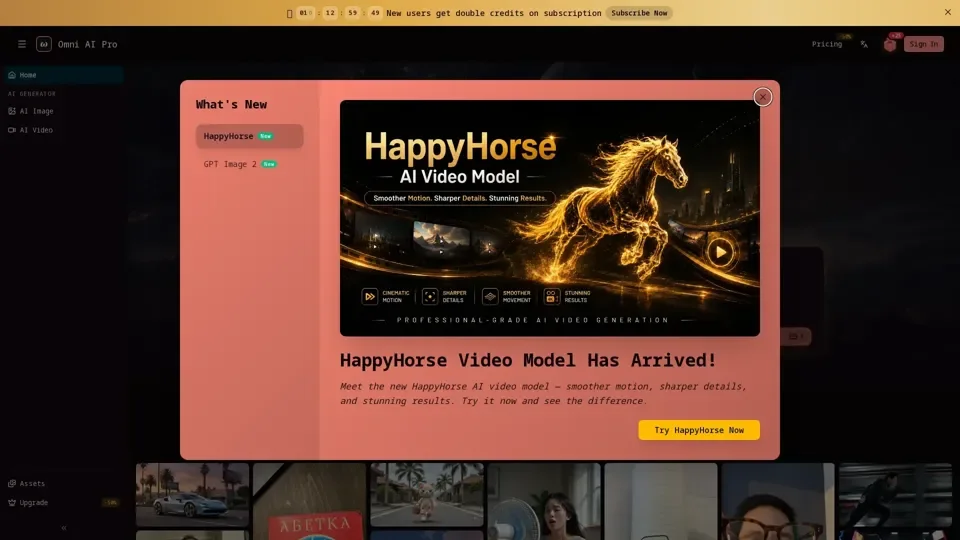
What is Gemini Omni
Gemini Omni is an AI-driven video generation platform that utilizes a "world model" to create cinematic clips from text, images, audio, or video inputs. It emphasizes real-world physics, history, and cultural context, allowing for the creation of clips that are grounded in reality.
Features of Gemini Omni
-
Text-to-Video with World-Model Physics: Describe a scene in plain language, and Gemini Omni renders it as a cinematic clip with realistic physics.
-
Image-to-Video (Animate Any Photo): Upload a photo, and Gemini Omni animates it while preserving identity, composition, and lighting.
-
Conversational Editing: Refine generated clips through natural conversation, changing one aspect at a time without losing previous edits.
-
Multi-Reference Composition: Combine multiple inputs (image, video, audio) to generate a coherent output.
-
Style Transfer: Change the visual style of a clip without altering its motion, timing, or action.
-
Explainer Videos with Real-World Accuracy: Create accurate and visually distinctive explainer videos using Gemini Omni's knowledge of science, history, and culture.
How to Use Gemini Omni
-
Pick Your Input Mode: Decide whether to start from text, an image, an existing clip, or build upon a previous generation.
-
Write a Specific Prompt: Specify subject, action, setting, camera, lighting, and style to get a precise video.
-
Generate, Then Chat-Edit: Generate a clip and refine it through conversation, making specific changes without re-rolling the entire clip.
Pricing and Availability
Gemini Omni is available on the omniaipro.app platform, with free trial credits and no download required. It offers various pricing plans, including a subscription model for heavy users.
Helpful Tips
-
Be Specific with Prompts: Detailed prompts yield better results.
-
Use Conversational Editing: Refine clips through chat to avoid re-rolling entire scenes.
-
Experiment with Different Inputs: Try various input types (text, image, audio, video) to explore Gemini Omni's capabilities.
Frequently Asked Questions
-
Is Gemini Omni Free to Use?: Gemini Omni offers free trial credits on omniaipro.app.
-
Do I Need a Google Account?: No Google account or Google AI subscription is required to use Gemini Omni on omniaipro.app.
-
Can I Use Gemini Omni Videos Commercially?: Yes, Gemini Omni videos can be used for commercial purposes.
-
How Long Can a Gemini Omni Clip Be?: Clips can be around 10 seconds per generation, with the option to chain clips for longer sequences.
-
Does Gemini Omni Generate Audio?: Yes, Gemini Omni can generate audio with the video, including sound effects, ambient sound, and synced music.