What is GPT Image 2?
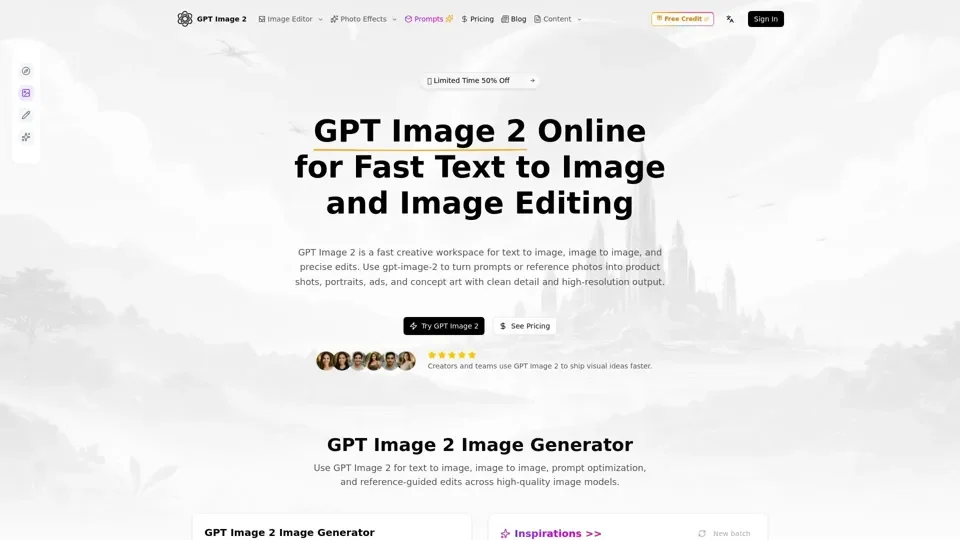
GPT Image 2 is an integrated AI image creation platform that unifies prompt-based generation, reference-guided editing, and multi-model comparison in a single workflow. Designed for creators, marketers, and designers, it eliminates the need for multiple tools by handling the full visual creation pipeline — from initial concept to final export.
Core Capabilities
- Intelligent Prompt Expansion: Transform brief ideas into detailed prompts with structured guidance on subject, angle, lighting, quality parameters, and artistic style.
- Reference-Guided Editing: Upload one or multiple reference images to steer composition, maintain brand identity, and achieve precise look development across projects.
- Adaptive Aspect Ratios: Generate images for any format — portraits, squares, product cards, banners, and widescreen — without rewriting prompts or workflows.
- Multi-Model Comparison: Switch between AI image models by speed, cost, and style characteristics to find the optimal tool for each creative task.
- Production-Ready Exports: Download clean, high-resolution outputs suitable for marketing materials, mockups, content calendars, and client presentations.
Getting Started
- Choose text-to-image for new scenes or image-to-image for transforming existing photos.
- Describe your vision with subject, style, composition, lighting, and mood details.
- Upload reference images when precision and brand consistency matter.
- Select model, aspect ratio, and output format for your specific task.
- Generate variations, compare results, iterate in seconds, and download finals.
Pricing
Currently offering a limited-time 50% discount. Visit the official website for detailed pricing tiers and credit packages.
Best Practices
- Use prompt optimization to turn rough concepts into actionable AI instructions
- Upload multiple references for complex compositions requiring consistency
- Compare model outputs side-by-side before committing to a generation style
- Experiment with aspect ratios to match each platform's requirements