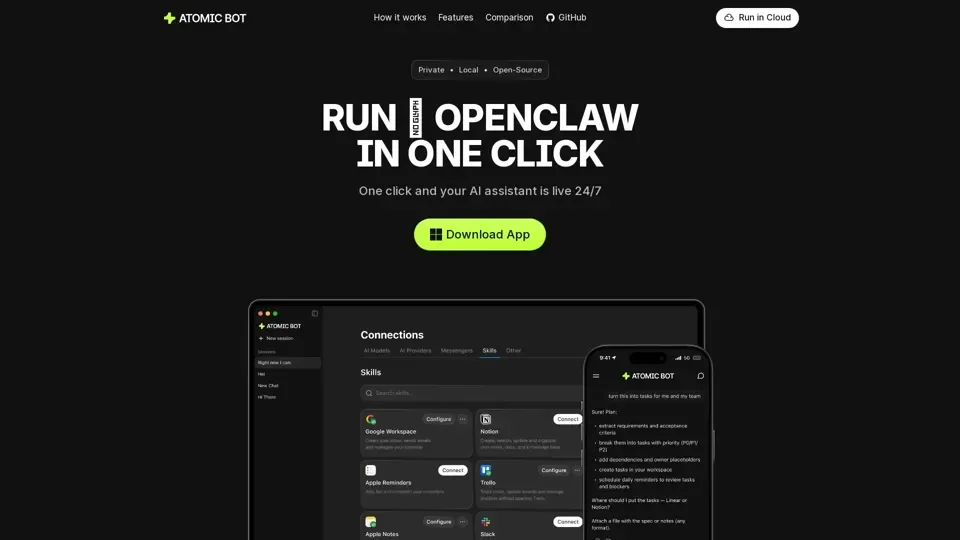
What is Atomic Bot?
Atomic Bot is an open-source native desktop application that delivers the full OpenClaw (Clawdbot) AI assistant experience through a simple, user-friendly interface. Designed for non-technical users, it eliminates complex setup processes and lets anyone deploy a personal AI assistant that runs locally on their computer.
Core Features
- One-Minute Setup: Step-by-step installer guides you through download, configuration, and launch without terminal commands or coding knowledge.
- Persistent Local Memory: Your AI assistant remembers preferences, ongoing tasks, and context across sessions — learning how you work over time.
- Browser Automation: Complete web tasks directly from chat — open sites, fill forms, click through flows, and collect information automatically.
- Multi-Model Support: Switch between Claude, GPT, Gemini, and other AI engines anytime to match your workflow needs.
- Task Scheduling: Set recurring tasks, proactive notifications, and automated workflows to stay ahead of routine work.
- Privacy-First Architecture: Runs on your local device with your data staying on your computer. Optional cloud or hybrid setups available.
How to Get Started
- Download Atomic Bot from the official website or GitHub.
- Install the app like any standard macOS application.
- Sign in with your Google account to connect services.
- Connect skills and start using your 24/7 AI coworker.
Pricing
Atomic Bot is free to use with manual API key setup. An optional paid plan is available for users who prefer managed configuration.
Who Uses Atomic Bot?
- Professionals automating email and calendar management
- Developers managing browser-based workflows
- Teams seeking privacy-focused AI without cloud dependency
- Non-technical users wanting AI assistance without complex setup