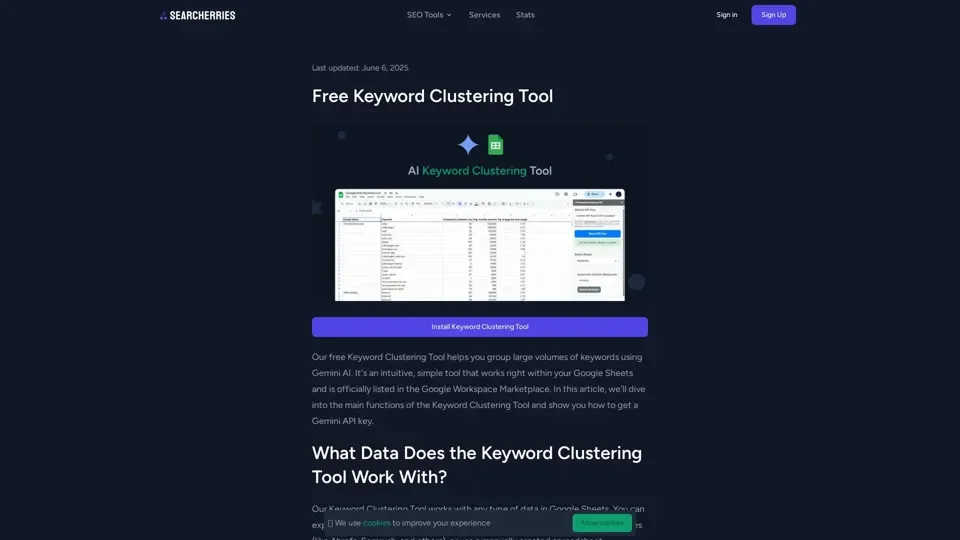
What is the Keyword Clustering Tool?
The Keyword Clustering Tool is a free, AI-powered SEO utility that groups large volumes of keywords using Gemini AI. Officially listed in the Google Workspace Marketplace, it works directly inside Google Sheets for a seamless keyword research workflow.
Key Features
AI-Powered Clustering with Gemini
Leverage Google Gemini AI to automatically group related keywords by semantic similarity and search intent. No manual sorting required.
Works Directly in Google Sheets
No new software to learn. Install the tool from the Google Workspace Marketplace and start clustering keywords right inside your existing spreadsheets.
Import from Any Source
Compatible with keyword exports from Google Ads Keyword Planner, Ahrefs, Semrush, Moz, and manually created spreadsheets. Select your keyword, volume, difficulty, and CPC columns with ease.
Automatic Cluster Summary
Generates a new Cluster Summary tab with grouped keywords sorted by impression volume, making it easy to identify high-priority topics.
How to Use the Keyword Clustering Tool
- Install from the Google Workspace Marketplace.
- Open your Google Sheet and navigate to Extensions > Keyword Clustering Tool.
- Enter your free Gemini API key (obtained from Google AI Studio).
- Select the spreadsheet tab and keyword column.
- Click Cluster Keywords and wait for processing to complete.
Getting a Free Gemini API Key
Visit Google AI Studio, click Get API Key, accept the agreements, choose or create a Google Cloud project, and copy your key.
Who Is It For?
SEO professionals, content marketers, digital agencies, and bloggers who need to organize keyword research into actionable topic clusters for content planning.
Helpful Tips
- Use the tool to identify content gaps and prioritize topics by search volume.
- Export keyword difficulty and CPC data alongside keywords for richer clustering.
- The tool is 100% free with no subscription or payment required.