What is Image to Image AI
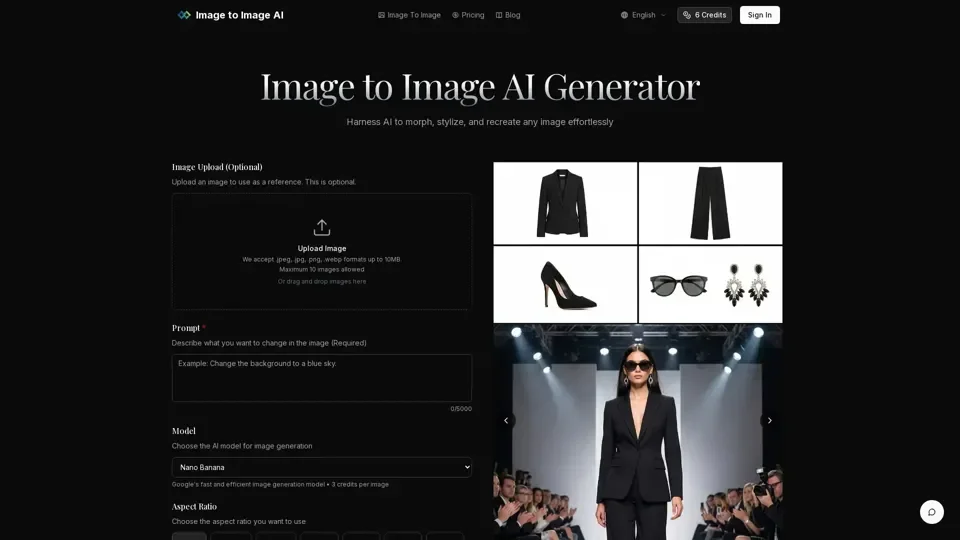
Image to Image AI is a free, browser-based AI image transformation platform that converts existing photos into entirely new visuals using text prompts. Unlike traditional text-to-image generators, this tool takes your source image and applies AI-driven style transfers, color changes, and element modifications to produce professional-quality results instantly.
Key Features of Image to Image AI
- AI Style Transfer: Transform photos into any artistic style — oil painting, watercolor, cyberpunk, anime, and more.
- Text-Guided Editing: Describe your desired changes in natural language and let the AI reshape your image accordingly.
- Fast Batch Processing: Generate multiple image variations in seconds, ideal for exploring creative directions quickly.
- High-Resolution Output: Export commercial-ready images in high resolution for marketing, social media, and print.
- Multiple Format Support: Upload .jpeg, .jpg, .png, and .webp files up to 10MB.
How to Use Image to Image AI
- Upload your source image from any device.
- Write a text prompt describing the transformation you want.
- Adjust parameters like aspect ratio, output count, and transformation strength.
- Click generate and download your AI-transformed images.
Why Choose Image to Image AI
- 100% free to start with no signup required
- Professional-quality results ready for commercial use
- Intuitive interface suitable for beginners and professionals
- Supports multiple artistic styles and creative directions
Pricing
Each transformation costs 3 credits. New users receive free credits to explore the platform.
Tips for Best Results
- Use clear, well-lit source images
- Be specific about desired styles, colors, and modifications
- Experiment with different transformation strengths
- Try multiple variations to find the perfect result