What is Image to Image AI?
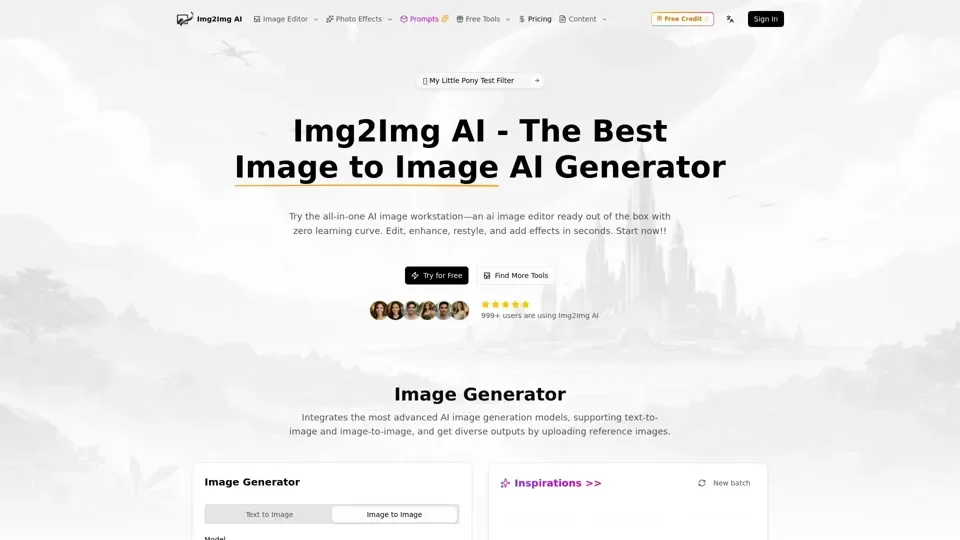
Image to Image AI is a comprehensive AI-powered photo transformation platform that uses your uploaded image as a foundation combined with text prompts to deliver precise edits. It analyzes composition, lighting, and structure to apply changes while maintaining key visual elements. As a leading img2img AI generator, it balances creative transformation with visual consistency for professional results.
Key Features of Image to Image AI
- Photo & Image Restyling: Swap artistic styles while preserving your original framing, lighting, and subject composition.
- Subject Editing: Make precise object-level edits — remove distractions, replace props, adjust clothing, and refine product details with AI accuracy.
- Image Restoration & Enhancement: Sharpen blurry photos, recover lost textures, reduce noise, and restore vintage images to crystal clarity.
- Background Processing: Remove backgrounds cleanly or generate entirely new scenes that match your subject's lighting and perspective.
- Smart Outpainting: Extend images beyond the original frame to fit any aspect ratio — ideal for social banners, posters, and product layouts.
- One-Click AI Effects: Apply trending photo effects and filters instantly for social-media-ready content.
How to Use Image to Image AI
- Choose Your Mode: Select Text to Image for fully AI-generated scenes, or Image to Image to transform an existing photo.
- Pick a Model: Choose from multiple AI models based on quality requirements and credit costs.
- Write Your Prompt: Describe the desired changes including subject, style, colors, and mood for best results.
- Generate & Share: Click Generate, preview your transformation, then download and share across platforms.
Pricing
Image to Image AI uses a flexible credit-based system. Higher-quality models consume more credits but deliver sharper, more detailed results. Credit packs are available for purchase.
Tips for Best Results
- Upload high-resolution source images for superior AI output quality.- Write specific, detailed prompts describing exact changes you want.- Experiment with different AI models to find the best match for your use case.
Frequently Asked Questions
- What is img2img AI? Image to image AI transforms your existing photos using AI analysis and text prompts for precise, creative edits.
- Can I use outputs commercially? Yes, generated images can be used for commercial purposes under standard licensing terms.
- Do I need design skills? No — the intuitive interface and AI automation make professional photo editing accessible to everyone.
- How does it preserve my original image? The AI analyzes your photo's composition, lighting, and structure as a blueprint before applying transformations.