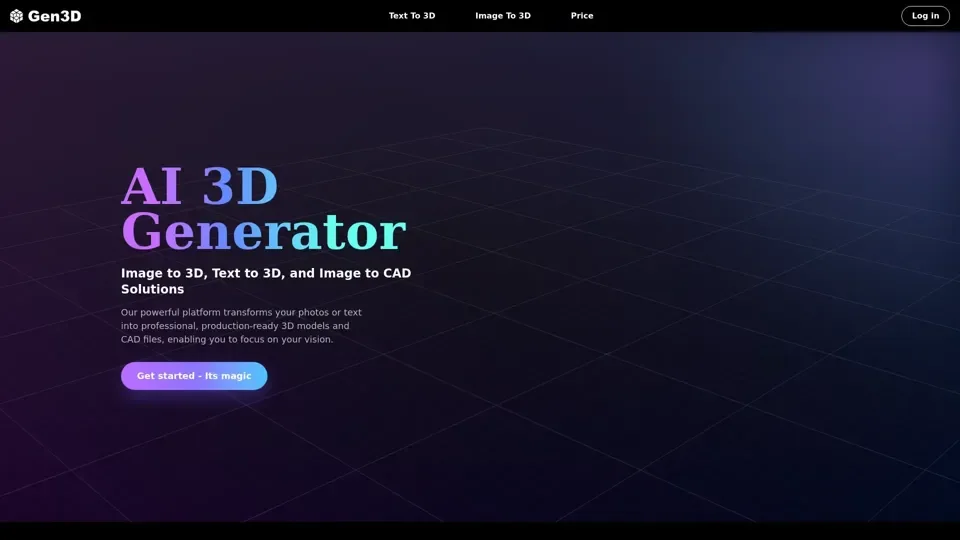
AI 3D Generator-Image to 3D & Text to 3D in Seconds | Gen3D

Create stunning 3D models instantly with Gen3D. Turn images or text prompts into high-quality 3D assets in seconds-no modeling skills needed. Fast, accurate, and beginner-friendly.

AI 3D Generator-Image to 3D & Text to 3D in Seconds | Gen3D
Visitar sitio web

Introducción

What is Gen3D?

Gen3D is an AI-driven platform that provides access to a vast array of AI technologies for various needs, including text to 3D, image to 3D, and image to CAD solutions. It transforms photos or text into professional, production-ready 3D models and CAD files, enabling users to focus on their vision.

Feature

The main features of Gen3D include:

  1. Zero-barrier modeling: Gen3D allows users to create complex 3D models directly from their sketches or concept photos.

  2. High precision & multi-style: The platform provides high-precision 3D models in various styles, making it suitable for different applications.

  3. Smart materials: Gen3D's AI engine is optimized for speed and precision, allowing for the creation of 3D models with smart materials.

  4. Rapid creation: The platform enables rapid creation of 3D models, with a standard model generated in just 1-2 minutes.

How to Use Gen3D

To use Gen3D, follow these steps:

  1. Select & Upload: Choose the type of 3D model you need, then upload an image or enter a short text prompt.

  2. Configure Your Settings: Adjust mesh type, polycount, and output style to balance detail, compatibility, and performance.

  3. Generate Your 3D Model: Transform your input into a fully realized 3D object using Gen3D's AI technology.

  4. Preview and Export: Review your result, make refinements, and export in standard 3D formats.

Price

Gen3D offers premium plans that unlock advanced features, unlimited exports, and priority support. The pricing details are not specified, but the platform provides a cost-effective solution for professionals and businesses.

Helpful Tips

To get the most out of Gen3D, follow these tips:

  • Use high-quality images or descriptive text prompts to ensure accurate 3D models.
  • Adjust settings to balance detail and performance.
  • Take advantage of Gen3D's rapid creation capabilities to iterate and refine your designs.

Frequently Asked Questions

  1. Can I use the generated models commercially?: Yes, Gen3D's exports are enabled for commercial use under their licensing terms.

  2. Are the outputs accurate enough for manufacturing?: Yes, the CAD-ready profile provides editable geometry that is highly accurate, but final validation and engineering review are recommended for critical parts and large-scale manufacturing.

  3. How long does a generation take?: Typically, a text to 3D or image to 3D generation takes between 1-2 minutes.

  4. Do you offer refunds?: Yes, Gen3D offers refunds if you are dissatisfied with their service or the quality of a generated model.

  5. What file formats are supported for download?: Gen3D supports popular 3D file formats, including OBJ, GLB, STL, and CAD.