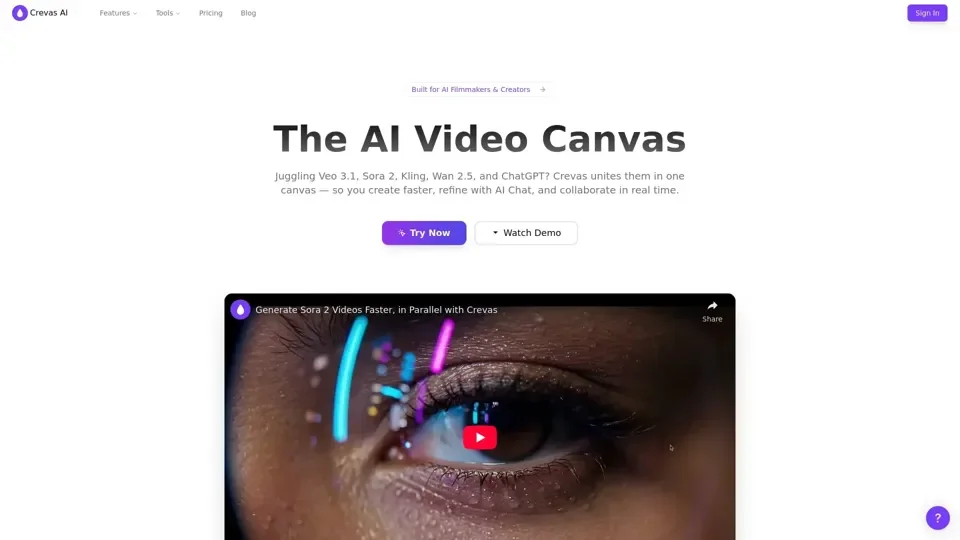
Crevas AI - AI Video Creation Canvas with Veo 3 & more

Crevas unifies Veo 3, Kling, and other video generation models into one intuitive canvas — helping creators turn rough scripts into shot lists, prompts, and cinematic-quality videos faster.

Crevas AI - AI Video Creation Canvas with Veo 3 & more
Visitar sitio web

Introducción

What is Crevas AI

Crevas AI is an AI-driven platform that provides access to a vast array of AI video creation tools for various needs, including Veo 3, Kling, Wan 2.5, and more. It unites multiple AI models in one canvas, allowing users to create faster, refine with AI chat, and collaborate in real-time.

Feature

The main features of Crevas AI include:

  1. All-in-one canvas: Access to multiple AI models, including Veo 3, Kling, Wan 2.5, and more.

  2. Parallel generation: Generate videos in parallel, reducing production time.

  3. Prompt assistant: Smart prompts for better results.

  4. Visual collaboration: Collaborate live, decide faster, and export in multiple formats.

  5. Script-to-shot conversion: Convert scripts into shot lists and generate cinematic-quality videos.

How to Use Crevas AI

To use Crevas AI, users can follow these steps:

  1. Sign up: Create an account and start with a free trial or pay-as-you-go plan.

  2. Choose a plan: Select from various plans, including Crevas Plus and Crevas Pro, depending on your needs.

  3. Access AI models: Use Veo 3, Kling, Wan 2.5, and other AI models to generate videos.

  4. Collaborate: Invite teammates to co-edit scripts and prompts in real-time.

Price

The pricing plans for Crevas AI include:

  1. Free trial: 150 credits, then pay as you go.

  2. Crevas Plus: $29.00/month, 1,000 credits/month, access to Veo 3, Nano Banana, Kling, and more.

  3. Crevas Pro: $199.00/month, 10,000 credits/month, export in 4K (upscaled), unlimited projects.

  4. Enterprise: Custom solutions for teams and businesses, contact sales for more information.

Helpful Tips

To get the most out of Crevas AI, users can:

  1. Use multiple AI models: Experiment with different models to find the best fit for your project.

  2. Collaborate with teammates: Invite others to co-edit scripts and prompts in real-time.

  3. Export in multiple formats: Export videos in various resolutions, including 720p, 1080p, and 4K.

Frequently Asked Questions

  1. What is Crevas AI?: Crevas AI is an AI-driven platform that provides access to multiple AI video creation tools.

  2. Which AI video models work with Crevas?: Crevas integrates with Veo 3, Kling, Wan 2.5, Nano Banana, and other AI text-to-video and image-to-video models.

  3. Can I sell videos made with Crevas?: Yes, Crevas is built for professional use, and you can generate and export content for films, ads, or social platforms.

  4. How do I maintain character consistency in Veo 3?: Use Crevas's Character feature for seamless character consistency across scenes.

  5. Is there a free trial?: No, Crevas operates on a pay-as-you-go billing model, but you can start with a free trial of 150 credits.