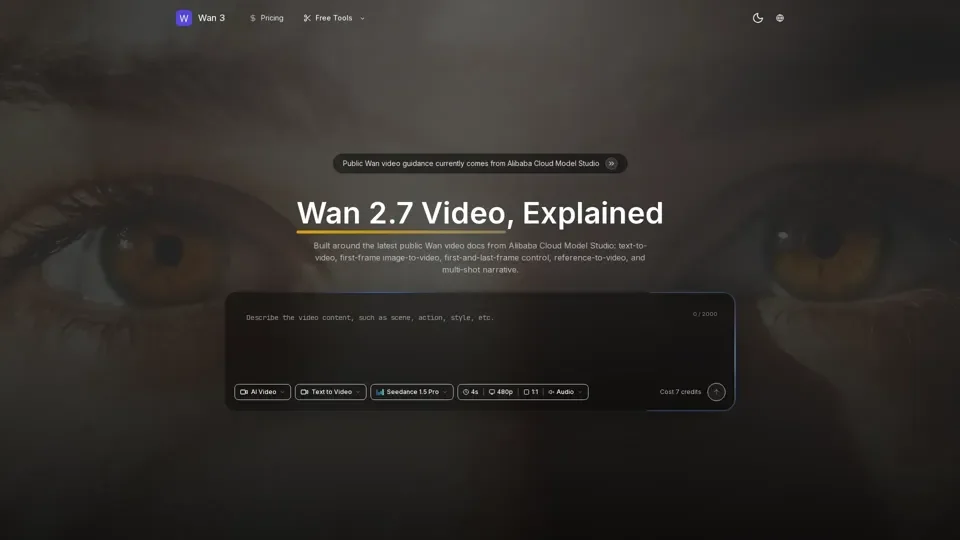
What is Wan 2.7 Video
Wan 2.7 Video is an AI-driven video generation platform that provides access to a vast array of video creation tools for various needs, including text-to-video, first-frame image-to-video, first-and-last-frame control, and reference-to-video. The platform is built around the latest public Wan video documentation from Alibaba Cloud Model Studio.
Feature of Wan 2.7 Video
The main features of Wan 2.7 Video include:
-
Text-to-Video: Generate a video from a single sentence with cinematic-quality visuals.
-
First-Frame Image-to-Video: Use one input image as the first frame and generate a complete shot from a prompt.
-
First-and-Last-Frame Control: Guide the transition between two states using provided first and last frame images.
-
Reference-to-Video: Generate performance video from reference images or videos while reusing appearance and optional voice cues.
-
Multi-Shot Narrative: Current Wan 2.6 text-to-video and image-to-video model pages explicitly mention multi-shot narrative capability.
-
720P / 1080P Output: Official pages list 720P and 1080P options, 30 fps MP4 output, and region-specific duration limits.
How to Use Wan 2.7 Video
To use Wan 2.7 Video, follow these steps:
-
Choose the Generation Path: Start with text-to-video, first-frame image-to-video, first-and-last-frame control, or reference-to-video depending on your input and target shot.
-
Add Prompt, Frames, and References: Use text for motion and camera intent, add first or last frames where needed, and include audio or reference clips when the model supports them.
-
Set Duration and Resolution: Official pages list 720P/1080P and durations from 2 to 15 seconds for current Wan 2.6 video models, with region-specific differences.
-
Run as an Async Task: The public API references treat video generation as a long-running task, so task creation and status polling are part of the normal workflow.
Price of Wan 2.7 Video
The pricing of Wan 2.7 Video is not explicitly stated, but it offers a free plan with limited features and paid plans with additional benefits.
Helpful Tips for Wan 2.7 Video
To maximize your use of Wan 2.7 Video, follow these tips:
-
Explore the Verified Wan Video Workflow: Start from the official public Wan video feature set, then choose the plan that fits your usage.
-
Use the Free Plan: Take advantage of the free plan to test the platform and its features.
-
Check the Official Documentation: Refer to the official Alibaba Cloud Model Studio documentation for the latest information on Wan 2.7 Video.
Frequently Asked Questions About Wan 2.7 Video
-
Is there an official public Wan 2.7 video API doc?: No, the official public documentation is for Wan 2.6 video.
-
What Wan video workflows are publicly documented?: The official public documentation covers text-to-video, first-frame image-to-video, first-and-last-frame control, and reference-to-video.
-
What output specs are officially listed?: Official pages list 720P and 1080P options, 30 fps MP4 output, and region-specific duration limits.
-
Does official Wan video support character and voice reference?: Yes, the official reference-to-video description says it can reuse a character's appearance from an input video or image and can also reference timbre from the video.
-
Does official Wan video support multi-shot narrative?: Yes, current Wan 2.6 text-to-video and image-to-video model pages explicitly mention multi-shot narrative capability.