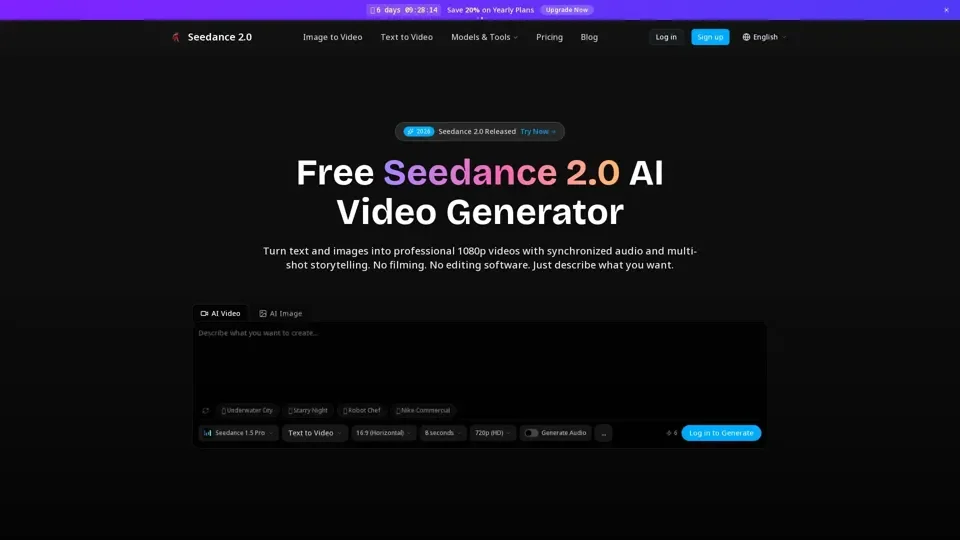
What is Seedance 2.0?
Seedance 2.0 is a comprehensive AI video generation platform that unifies multiple industry-leading video models into a single creative workspace. It transforms text descriptions into cinematic 1080p footage with synchronized audio, animates still images with natural motion, and enables powerful AI-driven video editing—all without requiring video production expertise.
Key Features
- Multi-Model Video Platform: Access Seedance, Sora, Veo and other top AI video models from one unified interface.
- Text-to-Video in 1080p: Type a scene description and get full HD video with audio, transitions, and cinematic quality.
- Image-to-Video Animation: Drop in any photo and the AI animates it with natural motion and synchronized sound.
- Reference-Guided Generation: Upload reference images or clips to control style, motion, and visual consistency.
- AI Video Extension: Seamlessly extend existing footage while maintaining consistent look, lighting, and motion.
- Prompt-Based Video Editing: Swap characters, rewrite scenes, and add objects mid-shot using natural language prompts.
- Beat-Sync Automatic Editing: Upload a rhythm track and the AI cuts and transitions your video on beat automatically.
How to Use Seedance 2.0
- Describe Your Scene: Write what you want to see and optionally add reference images for style guidance.
- Generate: The AI creates video, audio, and transitions simultaneously—most videos ready in under 60 seconds.
- Download & Share: Get your 1080p MP4 video ready for publishing, sharing, or further editing.
Pricing
Free to start with no credit card required. Paid plans available for additional features and higher generation limits.
Helpful Tips
- Add reference images for more accurate style matching.
- Adjust and regenerate prompts for refined results.
- Try different AI models to find the best fit for your project style.
Frequently Asked Questions
- What resolution does it output? 1080p Full HD in MP4 format.
- How long does generation take? Most videos complete in under 60 seconds.
- Do characters stay consistent? Yes, character consistency is maintained across scenes.
- Who owns the videos? You retain full ownership of all generated content.