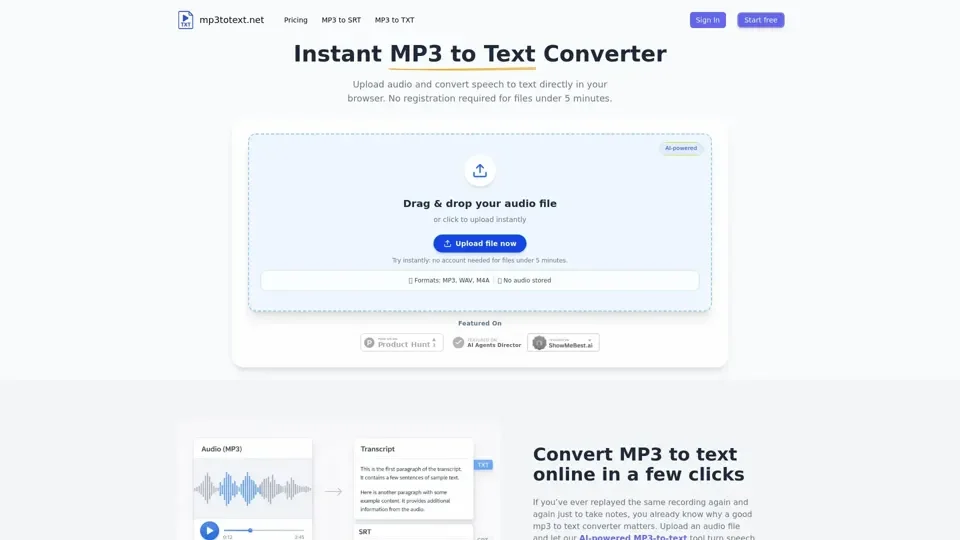
What is MP3 to Text Online?
MP3 to Text Online is an AI-driven transcription platform that converts audio recordings into accurate, editable text. Powered by modern speech recognition models, it delivers near-human accuracy for clear audio across multiple formats including MP3, WAV, M4A, and AAC.
Key Features
- Near-Human Accuracy: Advanced AI speech recognition delivers highly accurate transcripts from clear audio recordings.
- Free Tier Available: Try free with 5 minutes as a guest, or sign up for 30 minutes of complimentary transcription.
- Browser-Based Convenience: Runs entirely online in any modern browser on desktop or mobile—nothing to install.
- Multi-Format Audio Support: Handles MP3, WAV, M4A, AAC and other common audio formats seamlessly.
- Built-In Text Editor: Review and correct transcripts in the integrated editor before exporting.
- TXT & SRT Export: Download transcripts as plain text files or export SRT subtitle files for video captioning.
How to Transcribe MP3 to Text
- Upload Your Audio: Drag and drop your MP3 file into the upload area or click to browse.
- AI Processes Your Audio: The speech recognition engine transcribes automatically—short clips finish in seconds.
- Edit & Export: Review the transcript in the built-in editor, fix any errors, then download as TXT or SRT.
Pricing
- Free: 5 minutes for guests, 30 minutes for registered users.
- Upgrade Plans: Additional minutes available via paid plans on the website.
Helpful Tips
- Use high-quality recordings with minimal background noise for best accuracy.
- Review transcripts before exporting to catch any recognition errors.
- Use SRT export for YouTube captions and video subtitles.
Frequently Asked Questions
- How do I convert MP3 to TXT? Upload your file, wait for AI processing, then download as TXT.
- How do I get SRT subtitles? Follow the same process and choose SRT export.
- Is it really free? Yes—5 minutes as guest, 30 minutes when logged in.