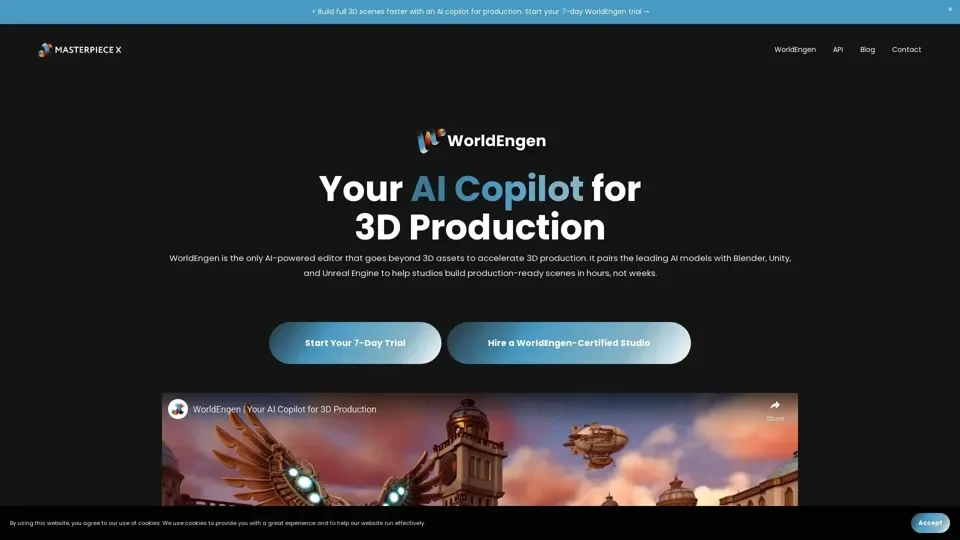
What is WorldEngen by Masterpiece X?
WorldEngen is an AI-powered 3D production editor that accelerates worldbuilding by pairing advanced AI models with industry-standard tools like Blender, Unity, and Unreal Engine. It enables studios to build production-ready 3D scenes in hours instead of weeks, transforming the creative pipeline for games, film, simulation, and interactive media.
Key Features of WorldEngen
- Centralized 3D Intelligence: Unifies concept art, style guides, greybox layouts, assets, and scenes in a single AI-driven editor for streamlined worldbuilding.
- Seamless Tool Integration: Works natively with Blender, Unity, and Unreal Engine — teams keep their existing workflows while adding AI acceleration.
- Human-AI Collaboration Crew: Direct your own AI 3D crew — start with prompts or ideas and let AI generate concept art, 3D models, textures, and scene layouts.
- Speed & Cost Efficiency: Automate repetitive 3D tasks to save weeks of manual work, shipping more content within the same budget.
- Real-Time Iteration: Generate, preview, and refine 3D scenes instantly with AI feedback loops for rapid creative iteration.
How to Use WorldEngen
- Install the Desktop App: Download and install the latest WorldEngen desktop application for your OS.
- Connect Your Tools: Launch the app and pair it with your Blender, Unity, or Unreal Engine projects.
- Start Creating: Use prompts, concept art, or reference images to direct AI generation of 3D scenes, assets, and environments.
Ideal Use Cases
- Game Development: Accelerate level design, environment art, and asset creation for faster game production.
- Film & Cinematics: Generate cinematic 3D scenes and pre-visualizations with AI-assisted camera and lighting.
- Simulation & Training: Build immersive training environments and interactive simulations at scale.
- Animation Production: Streamline scene setup, character placement, and background generation.
Tips for Best Results
- Start with clear, detailed prompts to guide AI generation accurately.- Iterate continuously — use WorldEngen's refinement tools to polish initial AI outputs.- Leverage integration with existing tools to combine AI speed with manual artistic control.
Frequently Asked Questions
- What engines does WorldEngen support? Blender, Unity, and Unreal Engine with native integration.
- How much time can it save? WorldEngen can reduce weeks of manual 3D work to hours, especially for concept art, greyboxing, and scene assembly.
- Is it suitable for indie studios? Yes, WorldEngen scales from solo creators to large production studios.