What is HunyuanVideo 1.5?
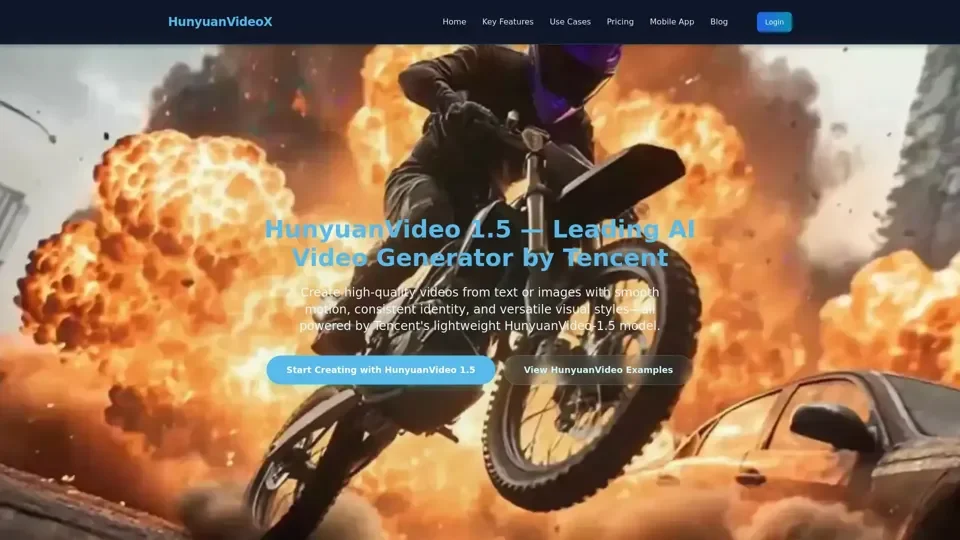
HunyuanVideo 1.5 is a state-of-the-art lightweight AI video generation model from Tencent's Hunyuan AI lab. It unifies text-to-video and image-to-video capabilities in one pipeline, delivering cinematic 1080p output with exceptional motion consistency and style versatility.
Key Features
- Top-Tier Visual Quality: Multi-style rendering supporting realistic, cinematic, anime, and illustration aesthetics.
- Smooth Motion Generation: Stable temporal consistency with lifelike motion and physics-compliant behavior.
- Strong Prompt Adherence: Accurate bilingual prompt execution across all generation modes.
- Cinematic Camera Movement: Natural, authentic cinematic motions including pans, zooms, and tracking shots.
- Expression Fidelity: Detailed, emotionally coherent facial expressions in generated characters.
- Text Rendering: Clear in-video titles, subtitles, and UI elements with reliable layout.
- Flexible Resolution: Output in 480p, 720p, or 1080p with super-resolution enhancement.
How to Use HunyuanVideo 1.5
- Upload an image or input a text prompt.
- Select resolution (480p, 720p, or 1080p) and duration (5-10 seconds).
- Choose your preferred style and camera movement settings.
- Generate and download your video.
Pricing
HunyuanVideo 1.5 uses a pay-as-you-go credit system. Credits are consumed based on video duration and resolution. Limited free access may be available for evaluation.
Helpful Tips
- Use clear, descriptive prompts for best results.
- Experiment with different styles to find your preferred aesthetic.
- Start with shorter durations to test concepts before generating longer videos.
Frequently Asked Questions
- Is HunyuanVideo 1.5 free? Limited free access may be available; full features require credits.
- Can I use videos commercially? Yes, commercial use is permitted for paid outputs.
- What resolutions are supported? 480p, 720p, and 1080p output options.