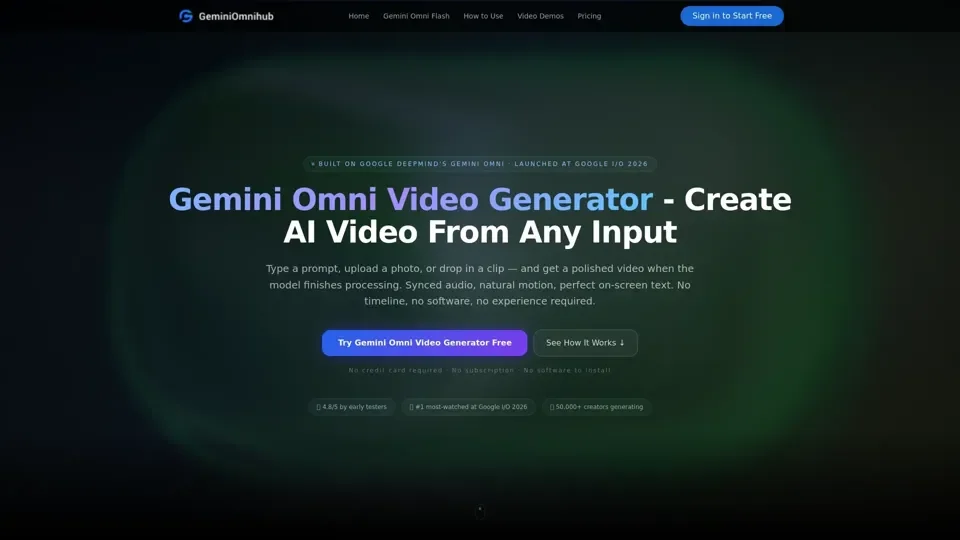
What is Gemini Omni Video Generator
Gemini Omni Video Generator is an AI-driven platform that provides access to a vast array of AI technologies for various needs, including text-to-video generation, image-to-video animation, chat-based editing, and AI avatars. It is built on Google DeepMind's multimodal world model and offers a range of features, including the ability to generate videos from text prompts, images, or video clips.
Features of Gemini Omni Video Generator
The key features of Gemini Omni Video Generator include:
-
Text-to-Video Generation: Create videos from text prompts, with the model handling camera angles, lighting, and motion automatically.
-
Image-to-Video Animation: Edit real videos based on images, with the model preserving the original details and adding new elements.
-
Chat-Based Editing: Edit videos over multiple turns, with the model patching the clip in place and keeping the character, scene, and style consistent.
-
Video Remix: Transform existing videos by changing the aesthetic, action, or effect, while preserving the original details.
-
AI Avatars: Create digital avatars that look and sound like you, ideal for educators, content creators, and brand spokespeople.
-
Native Audio Generation: Generate audio natively alongside the action, including sound effects, ambient noise, and dialogue synchronized from the first frame.
How to Use Gemini Omni Video Generator
To use Gemini Omni Video Generator, follow these steps:
-
Write Your Prompt: Describe what you want to see, including camera angles, lighting, and motion.
-
Select Your Settings: Choose the resolution, duration, and other settings for your video.
-
Generate Your Video: The model processes your prompt and outputs a video with synced audio and natural motion.
-
Download and Share: Download your clip in HD and share it directly to social media, email it to a client, or drop it into your production pipeline.
Pricing of Gemini Omni Video Generator
The pricing plans for Gemini Omni Video Generator include:
-
Starter: $9.9 one-time, 99 credits included, 720p export, no watermark, commercial use license, standard queue speed, and email support.
-
Standard: $29.9 one-time, 330 credits included, faster HD generation, 720p export, no watermark, commercial use license, priority queue speed, and priority support.
-
Pro: $49.9 one-time, 600 credits included, better stability, 720p export, no watermark, commercial use license, faster priority queue, and priority support.
-
Business: $99.9 one-time, 1250 credits included, professional delivery, 720p export, no watermark, commercial use license, fastest queue, full effects pack, and 24/7 priority support.
Helpful Tips for Using Gemini Omni Video Generator
To get the most out of Gemini Omni Video Generator, follow these tips:
-
Be Specific: Describe your prompt in detail, including camera angles, lighting, and motion.
-
Use Reference Images: Use reference images to guide the output and add new elements to your video.
-
Experiment with Settings: Try different settings, such as resolution and duration, to find the best fit for your video.
-
Use Chat-Based Editing: Edit your video over multiple turns, with the model patching the clip in place and keeping the character, scene, and style consistent.
Frequently Asked Questions
Some frequently asked questions about Gemini Omni Video Generator include:
-
What is Gemini Omni Video Generator?: Gemini Omni Video Generator is an AI-driven platform that provides access to a vast array of AI technologies for various needs, including text-to-video generation, image-to-video animation, chat-based editing, and AI avatars.
-
Is Gemini Omni Video Generator free?: Yes, new users receive 10 free credits on signup, with no credit card required.
-
How long does it take to generate a video?: The model processes your prompt and outputs a video with synced audio and natural motion, with no separate rendering queue.
-
Can I use the output commercially?: Commercial use is available on Teams and Enterprise plans, with free and Pro outputs limited to personal use only.