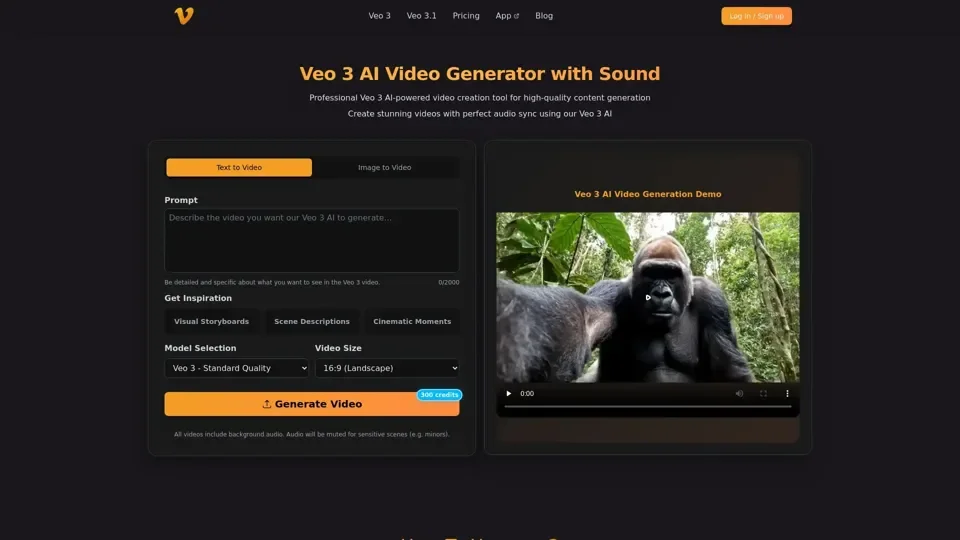
What is Veo 3 AI Video Generator?
Veo 3 AI is a state-of-the-art video generation platform that leverages advanced AI to create videos with perfect audio synchronization. Supporting both text-to-video and image-to-video generation modes, Veo 3 AI produces professional videos with automated sound effects, realistic dialogue, and ambient noise — all from a simple prompt or uploaded image.
Key Features of Veo 3 AI
- AI-powered video generation with perfect audio sync and sound effects
- Dual generation modes: text-to-video and image-to-video conversion
- Natural motion and transitions with context-aware processing
- Up to 1080p video resolution with multiple quality settings
- Automated dialogue and ambient noise generation
- Instant MP4 download for quick sharing
- Intuitive, user-friendly interface for all skill levels
Veo 3 AI Pricing Plans
- Basic: $10/month — 1000 credits, 8s video, 1080p resolution
- Pro: $30/month — 3300 credits, sound effects, faster rendering
- Enterprise: $99/month — 11880 credits, lip sync, commercial rights, priority support
How to Use Veo 3 AI
- Choose your generation mode: text-to-video or image-to-video
- Upload an image or enter a text prompt with creative direction
- Configure settings for style, motion, and resolution
- Generate and download your professional AI video in minutes
Frequently Asked Questions
- What image formats does Veo 3 AI support? JPG/JPEG and PNG up to 10MB
- How long does video generation take? Processing typically completes in moments
- Can I customize video style? Yes, adjust style, motion, and resolution settings
- Is Veo 3 AI suitable for commercial use? Enterprise plan includes commercial usage rights