What is RemoveSynthID
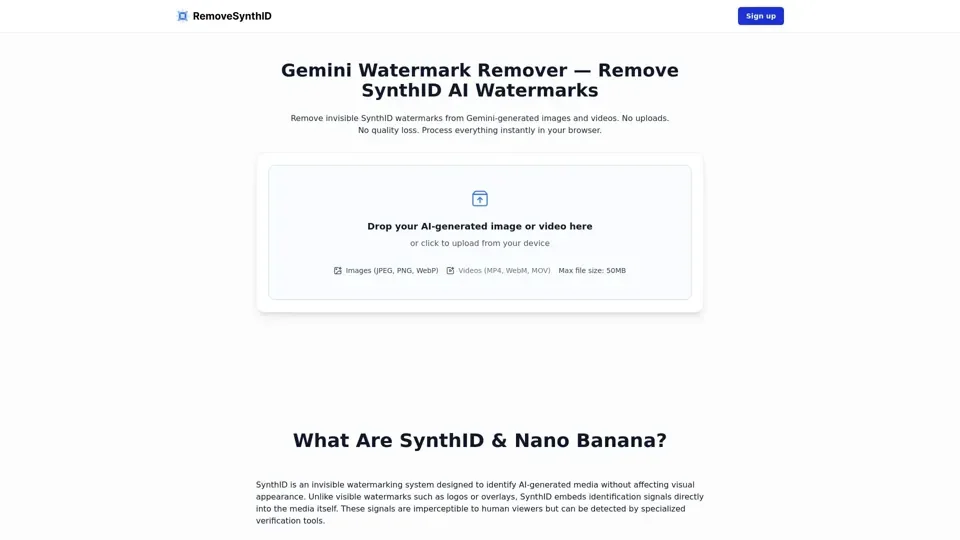
RemoveSynthID is an AI-driven tool designed to remove invisible SynthID watermarks from Gemini-generated images and videos. It operates locally within the browser, ensuring no uploads and no quality loss, and processes everything instantly.
Feature of RemoveSynthID
-
Invisible Watermark Removal: RemoveSynthID can remove invisible SynthID watermarks from images and videos without affecting their visual quality.
-
Local Processing: All processing happens directly in the browser, ensuring privacy and no data uploads.
-
Format Support: It supports common formats like JPEG, PNG, WebP for images and MP4, MOV, WebM for videos.
-
No Quality Loss: The tool preserves the original resolution, color accuracy, sharpness, and compression of the media.
How to Use RemoveSynthID
-
Upload Your Media: Upload your Gemini-generated image or video directly into RemoveSynthID.
-
Click "Remove SynthID": Begin the removal process, which analyzes and disrupts SynthID patterns embedded in the media.
-
Download Your Clean Content: Once processing is complete, download your image or video, which will no longer contain detectable SynthID watermark signals.
Price
The pricing details for RemoveSynthID are not specified in the provided content. It is recommended to check the official website or contact the support team for the most accurate and up-to-date pricing information.
Helpful Tips
-
Use Original Files: Process media as close to the original exported version as possible for best results.
-
High-Quality Files: Use high-quality files for better outcomes.
-
Keep Originals: Maintain original copies of all files for comparison and validation purposes.
-
Test Cleaned Outputs: Validate results using detection tools if available.
Frequently Asked Questions
-
Is the Tool Guaranteed to Work?: No, the tool is not guaranteed to work due to the robust nature of SynthID and varying detection methods.
-
Does Gemini Use SynthID?: Yes, Gemini can embed SynthID-style invisible watermarks in generated images.
-
How Does the Gemini Image Watermark Remover Work?: It disrupts SynthID watermark patterns through subtle adjustments to image pixels, preserving visual quality.
-
What Image Formats Are Supported?: RemoveSynthID supports JPEG, PNG, and WebP formats.
-
Does the Tool Support Video and Audio SynthID Removal?: Currently, the tool focuses on images, but video and audio removal capabilities are being developed.
-
How Long Does SynthID Watermark Removal Take?: Processing time depends on file size, resolution, and device performance.
-
Is My Data Uploaded to Any Server?: No, all processing happens locally in the browser, ensuring privacy.
-
How Can I Tell If the SynthID Watermark Was Removed?: Verification requires specialized detection tools, as SynthID is invisible.
-
Will Removing SynthID Watermarks Affect My Image Quality?: The process is designed to preserve image quality, focusing on disrupting watermark patterns without visible changes.
-
Can I Process Multiple Gemini Images at Once?: Yes, the tool supports bulk processing, useful for collections of AI-generated visuals.
-
What Browsers Are Supported?: The tool works in modern browsers like Chrome, Firefox, Safari, and Edge.
-
Can I Use This Tool Offline?: Yes, once the page is loaded, processing can continue without an internet connection.
-
What Is the Difference Between SynthID and C2PA Watermarks?: SynthID embeds signals directly into content, whereas C2PA relies on metadata and cryptographic records.
-
Are There File Size Limitations?: Very large files can be processed, but browser memory limits apply.