What is PDF Merger?
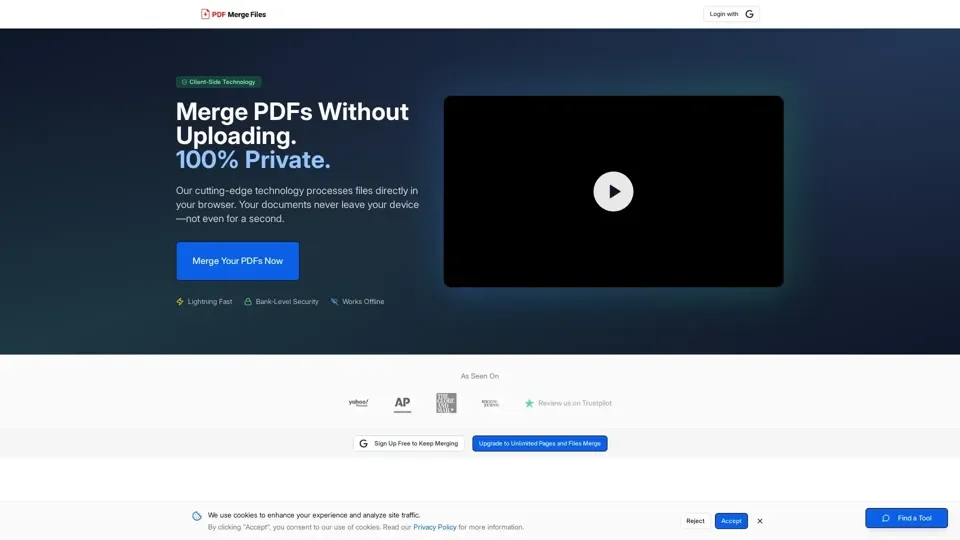
PDF Merger is an online tool that allows users to combine multiple PDF files into a single document. It utilizes cutting-edge client-side technology to deliver enterprise-level security and blazing-fast performance, ensuring that sensitive files never touch the server.
Feature
The key features of PDF Merger include:
-
Bank-Level Security: Files never leave the browser, and all processing happens locally with zero server uploads.
-
Lightning Fast: Merge documents in seconds with the optimized client-side processing engine.
-
Multi-Format Support: Combine PDFs, JPGs, and PNGs seamlessly into a single professional document.
-
Complete Privacy: No file storage, no tracking, no third-party access. Documents remain 100% private.
-
Works Everywhere: Fully responsive design works on desktop, tablet, and mobile devices.
-
Drag-to-Reorder: Easily rearrange files before merging with intuitive drag-and-drop controls.
How to Use PDF Merger
Using PDF Merger is a straightforward process:
-
Add Files: Drag and drop PDF or image files (JPG, PNG) or click to browse and select them from the device.
-
Arrange Order: Drag files to reorder them in the sequence desired for the final merged document.
-
Download: Click merge, and the combined PDF will be downloaded instantly to the device.
Price
PDF Merger offers various pricing plans, including:
-
Free: Limited to 3 free merges per day, with restrictions on file size and number of pages.
-
Annual Pro: $5.75/month (billed annually at $69/year), offering unlimited PDF merges, no page or file limits, and priority processing.
-
Monthly Pro: $9.99/month, providing unlimited PDF merges, no page or file limits, and priority processing.
-
One-Time Access: 24-hour, 10-day, or 30-day access to unlimited PDF merges, with prices starting at $3.99.
Helpful Tips
To maximize the use of PDF Merger:
- Utilize the daily free merges for small tasks.
- Consider upgrading to a paid plan for heavy usage or large files.
- Take advantage of the tool's offline capability for added convenience and security.
Frequently Asked Questions
Some common questions about PDF Merger include:
-
Are my PDF files stored on your servers?: No, files are processed locally and never uploaded to any server.
-
How many PDFs can I merge at once?: The free version has limitations, but paid plans offer unlimited merges.
-
Do I need to create an account to use the PDF merger?: No, guest access is available, but creating an account provides more benefits and flexibility.
-
What file formats are supported?: PDF, JPG, and PNG files are supported.
-
Can I reorder the pages before merging?: Yes, the tool allows for easy reordering of files and pages.
-
Is there a file size limit for PDFs?: The free version has limitations, but paid plans do not have file size restrictions.
-
How does the premium subscription work?: Paid plans offer additional features, priority processing, and unlimited access to the tool.
-
Can I use this tool on my mobile device?: Yes, the tool is fully responsive and works on mobile devices.
-
What payment methods do you accept?: Payment is secure and processed through Stripe.
-
What happens after my subscription expires?: Access to premium features will be revoked, but previously merged files remain unaffected.
-
What is client-side processing, and why does it matter?: Client-side processing ensures that files are processed locally, enhancing security and privacy.
-
Is this tool safe for confidential or sensitive documents?: Yes, the tool is designed with privacy-first principles, ensuring that files never leave the device.
-
Can I use this tool offline or in airplane mode?: Yes, the tool works offline, providing added convenience and security.
-
How is this different from other online PDF tools?: The tool's client-side technology and privacy-first approach set it apart from other online PDF tools.
-
Do you track or analyze my documents?: No, the tool does not track, analyze, or store any information about files.
-
What technology powers the PDF merger?: The tool utilizes cutting-edge WebAssembly technology for local processing.