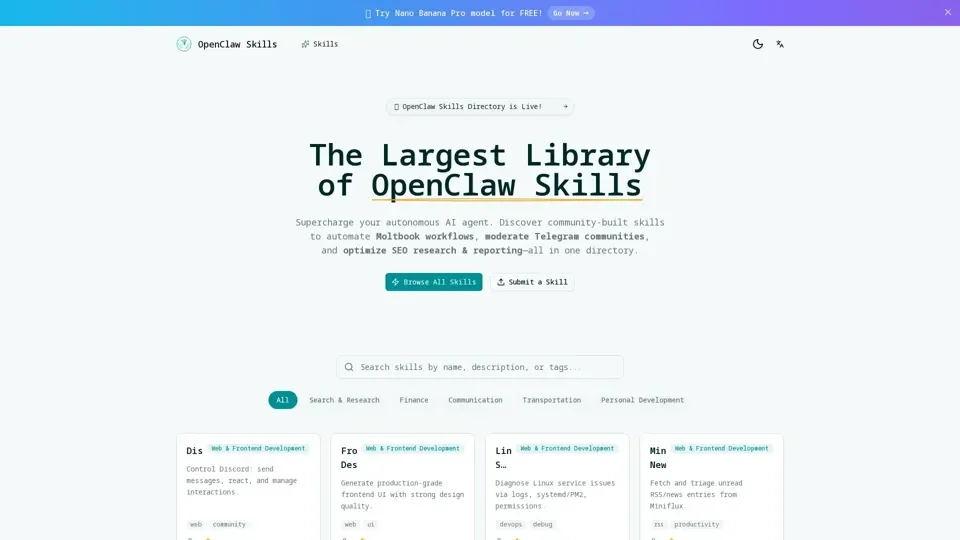
What are OpenClaw Skills?
OpenClaw Skills is a curated directory of custom extension scripts that supercharge the OpenClaw AI autonomous agent. These community-built plugins enable specialized tasks like automated Telegram group moderation, SEO keyword research workflows, cryptocurrency trading signal analysis, and Moltbook action scheduling—without touching the core engine.
Key Features of OpenClaw Skills
- Instant Agent Expansion: Add powerful automation abilities to your OpenClaw agent with zero core modifications.
- Community-Verified Plugins: Browse hundreds of tested and reliability-verified skills contributed by developers worldwide.
- Multi-Language SDK: Build custom skills using Node.js or Python with comprehensive SDK documentation and code examples.
- One-Click Installation: Install skills instantly via command line or the built-in plugin manager—no manual configuration needed.
How to Install OpenClaw Skills
- Browse the Directory: Find the skill you need from the categorized library of AI agent extensions.
- Download the Skill File: Grab the .json or .js skill package from the latest release.
- Import to Plugins Folder: Place the file in your OpenClaw /skills or /plugins directory.
- Restart & Activate: Restart OpenClaw and verify the skill loads with the built-in listing command.
Pricing
OpenClaw Skills are free to install. Some advanced skills may have optional premium tiers or API requirements.
Helpful Tips
- Check skill ratings and community reviews before installing.
- Use the built-in skill verification command after installation.
- Join the Discord community for troubleshooting and developer support.
Frequently Asked Questions
- Is OpenClaw free? Skills install for free; the core framework may have its own licensing.
- Can I write custom skills? Yes, use the Node.js or Python SDK with full documentation.
- How do I update skills? Re-download the latest version or use the built-in update command.