What is Kling Motion Control?
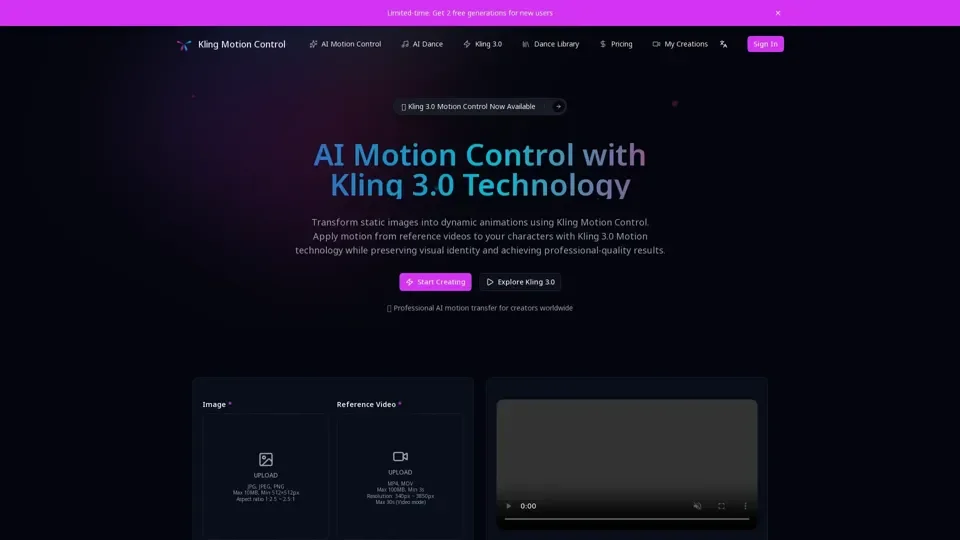
Kling Motion Control is a cutting-edge AI-powered motion transfer platform built on Kling 3.0 technology. It enables animators, creators, and studios to apply realistic movement from reference videos directly to static character images, producing professional-grade animations with consistent visual identity and full-body motion accuracy.
Key Features of Kling Motion Control
- Full-body motion extraction with hand gestures: Kling 3.0 Motion Control uses advanced AI to analyze and transfer motion patterns from reference videos (3-30 seconds) with exceptional precision, capturing fine hand gestures and body movements.
- Character identity preservation: The system maintains your character visual features, style, and appearance across every frame while applying motion, ensuring consistent and professional animation output.
- Predictable, deterministic motion transfer: Unlike probabilistic AI animation generators, Kling Motion Control explicitly extracts motion data for predictable, accurate results that reduce trial-and-error in production workflows.
- Professional workflow integration: Designed for studios and professional creators, supporting character animation, product videos, storyboarding, pre-visualization, and social media content creation.
How to Use Kling Motion Control
- Upload your static image: Use a JPG, JPEG, or PNG file (max 10MB, minimum 512x512 resolution).
- Upload a reference video: Provide an MP4 or MOV file (max 100MB, minimum 3 seconds duration).
- Select character orientation mode: Choose match video framing or preserve image composition for motion application control.
- Refine with text prompts: Add prompts to adjust backgrounds, lighting, and scene composition.
- Generate animation: Click Generate Video to create your AI-powered animation.
Kling Motion Control Pricing
Kling Motion Control offers a free trial with limited generations. Commercial plans with additional features and higher usage limits are available through subscription.
Tips for Best Results
- Select reference videos that closely match the movement style you want to achieve.
- Experiment with both orientation modes to find the best fit for your project.
- Use text prompts to add scene context and refine lighting and backgrounds.
Frequently Asked Questions
- How does Kling Motion Control work?: It uses AI to extract motion data from reference videos and applies it to static character images frame by frame.
- What makes Kling 3.0 different from other AI animation tools?: Kling explicitly extracts motion data rather than generating probabilistic movement, delivering predictable and accurate results.
- Do I need animation experience?: No, Kling Motion Control is designed for creators of all skill levels with an intuitive, user-friendly interface.