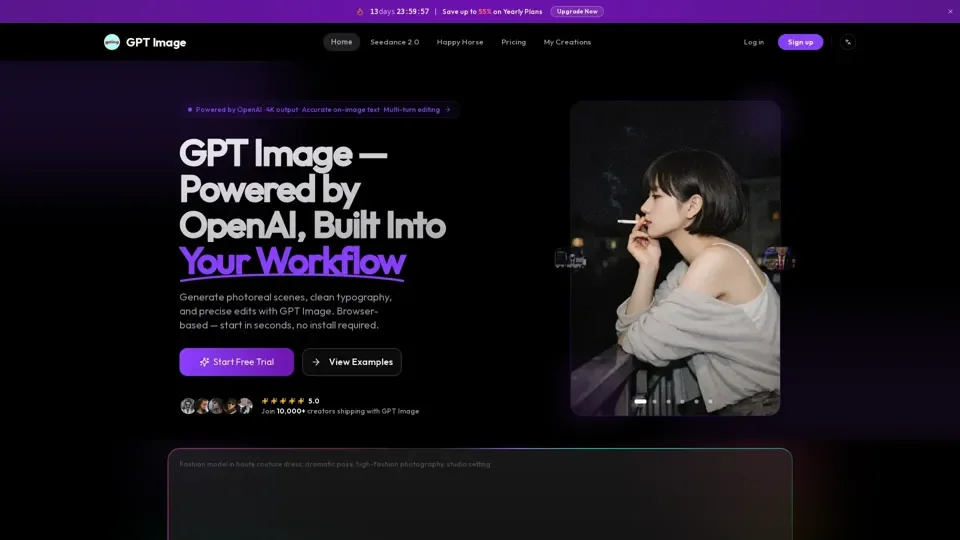
What is GPT Image?
GPT Image is an AI-driven image generation model family built on GPT-4o, which powers image creation inside OpenAI's web product and ships to developers through the OpenAI API. It understands language like GPT, allowing for natural conversation-like prompts instead of incantation. GPT Image can generate photorealistic portraits, vector-style illustrations, 4K posters, editable UI mockups, and infographics.
Feature of GPT Image
-
Clean Text Inside Images: GPT Image writes readable words, not letter-soup, making it suitable for posters, product labels, social graphics, and UI mockups where typography actually has to land.
-
Edits That Keep the Rest: Upload a photo and ask for a change, and GPT Image rewrites only the part you named, keeping lighting, faces, and composition intact across multiple rounds.
-
World Knowledge Built In: GPT Image shares the GPT-4 backbone, so it knows what a MacBook, a Tesla Cybertruck, or a Renaissance painting actually looks like, resulting in fewer wrong details to fix and more usable output first try.
-
Photoreal and Stylized: One GPT Image model covers photorealism, 3D, anime, illustration, vector, and data-viz styles, with resolution going up to 4096×4096 for print-ready work.
-
Text-to-Image and Image-to-Image: Start from a blank prompt, a reference photo, or a masked region, and GPT Image handles inpainting, variation, and style transfer in a single workflow.
How to Use GPT Image
To use GPT Image, follow these steps:
-
Write Your Prompt: Describe the scene, subject, and any text you want rendered inside the image.
-
Upload a Reference (Optional): Drop in a product photo, a headshot, or a mockup if you want GPT Image to edit it instead of starting from scratch.
-
Pick Quality and Size: Choose low, medium, or high quality and pick an aspect ratio from square to widescreen.
-
Download and Iterate: Results return in about 5 to 8 seconds per image, and you can refine the prompt, adjust the mask, or swap reference photos and rerun.
Price of GPT Image
The cost of GPT Image varies, with different models and pricing plans available. The current flagship release, GPT Image 2, is 20% cheaper than the base model and offers faster generation times.
Helpful Tips for Using GPT Image
- Use natural language when writing your prompt to get the best results.
- Experiment with different quality and size settings to find the best fit for your needs.
- Take advantage of the multi-turn editing feature to make changes to your image without losing visual consistency.
Frequently Asked Questions About GPT Image
-
What is GPT Image?: GPT Image is an AI-driven image generation model family built on GPT-4o.
-
What can GPT Image do?: GPT Image can generate photorealistic portraits, vector-style illustrations, 4K posters, editable UI mockups, and infographics.
-
How much does GPT Image cost?: The cost of GPT Image varies, with different models and pricing plans available.
-
How fast is GPT Image?: GPT Image 2 is four times faster than the base model, with generation times of 5 to 8 seconds per image.
-
Is GPT Image 2 released?: Yes, GPT Image 2 is the current flagship release.
-
What are GPT Image's known weaknesses?: GPT Image may struggle with long paragraphs of text and occasional typos.
-
Can I use GPT Image output commercially?: Yes, GPT Image output can be used commercially, but be sure to review the terms of service and usage guidelines.