What is PicTranslate AI Image Translator?
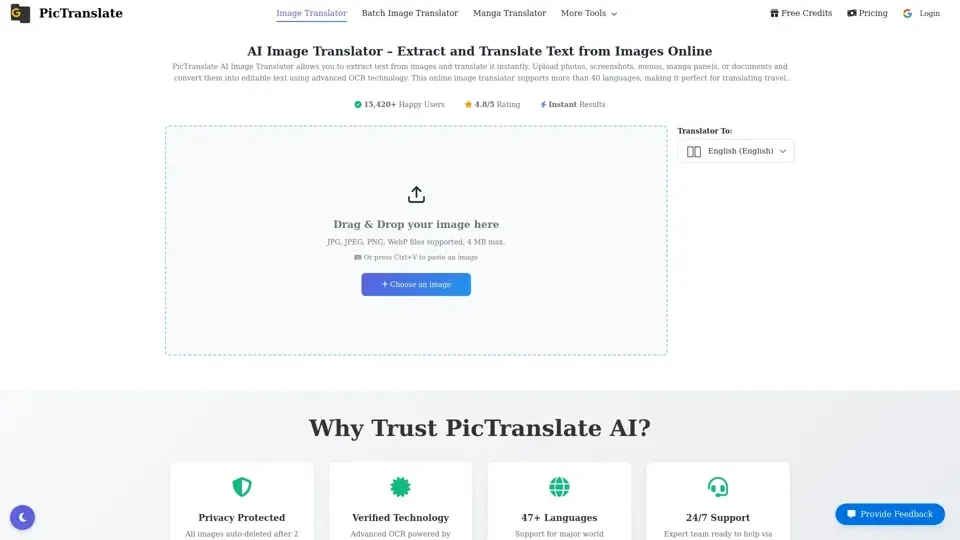
PicTranslate AI Image Translator is an AI-powered online image translator that extracts text from images using OCR and translates it into multiple languages instantly. It supports more than 40 languages, making it perfect for translating travel menus, comic panels, product labels, scanned documents, and screenshots automatically.
Feature of PicTranslate AI Image Translator
The key features of PicTranslate AI Image Translator include:
- Accurate Image OCR: Extract text from photos, screenshots, and scanned documents using advanced OCR technology.
- Translate Images into 40+ Languages: Translate image text instantly into major languages, including English, Chinese, Japanese, Korean, Spanish, French, and German.
- Multiple Image Formats Supported: Upload JPG, PNG, or WEBP images and convert them into editable text.
- Privacy Protected: All images are auto-deleted after 2 hours, and zero data storage ensures user privacy.
- Verified Technology: Advanced OCR powered by Google Vision & Azure AI.
How to Use PicTranslate AI Image Translator
To use PicTranslate AI Image Translator, follow these steps:
- Upload Your Image: Upload a photo, screenshot, or scanned document containing text for PicTranslate to process.
- Choose Target Language: Select the language you want the text translated into.
- Download or Copy the Result: Copy the translated text or download the results after processing.
Price of PicTranslate AI Image Translator
PicTranslate offers a free version with daily credits for basic image translation. For heavy users, premium credit packages with lifetime validity are available, with no subscription required.
Helpful Tips for Using PicTranslate AI Image Translator
To maximize the use of PicTranslate AI Image Translator, follow these tips:
- Use high-resolution images with clear contrast between text and background for optimal OCR accuracy.
- Ensure handwriting is legible, well-lit, and written in standard characters for better recognition.
- Upload images in supported formats, including JPG, PNG, WEBP, BMP, and TIFF.
Frequently Asked Questions About PicTranslate AI Image Translator
Some common questions about PicTranslate AI Image Translator include:
- What is PicTranslate AI Image Translator? An AI-powered online image translator that extracts text from images using OCR and translates it into multiple languages instantly.
- How does image OCR work? OCR analyzes pixels in images, recognizes characters, and converts them into editable text.
- Can I translate text from screenshots? Yes, upload screenshots from websites, apps, or games and PicTranslate will extract and translate the text instantly.
- Which image formats are supported? JPG, PNG, and WEBP images are fully supported by PicTranslate AI Image Translator.
- Can it translate manga images? Yes, the AI detects text inside manga speech bubbles and comic panels and translates them accurately.