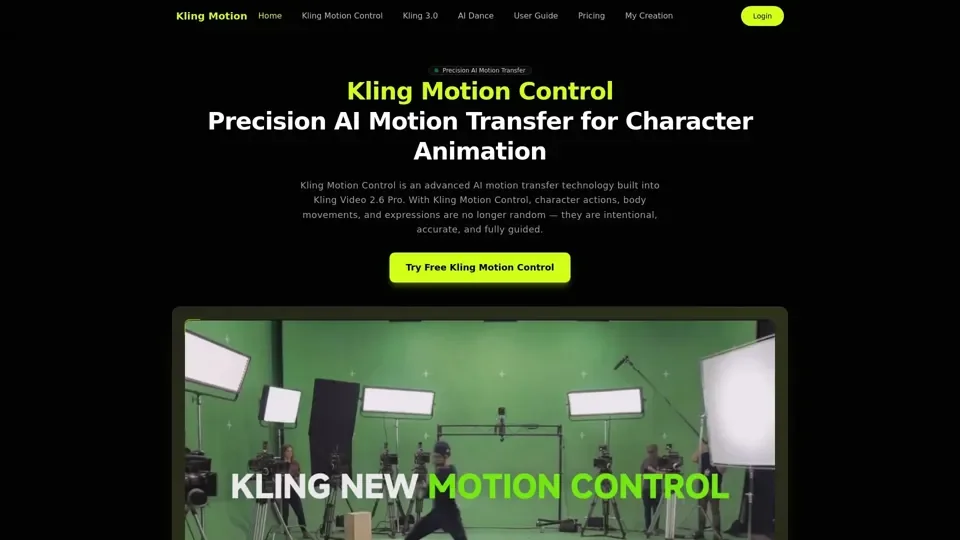
Kling Motion Control – Precise AI Motion Transfer Animation

Kling Motion Control enables precise AI motion transfer for characters, delivering realistic actions, expressive gestures, and consistent motion control.

Kling Motion Control – Precise AI Motion Transfer Animation
Visit Website

Introduction

What is Kling Motion Control

Kling Motion Control is an advanced AI motion transfer technology built into Kling Video 2.6 Pro. With Kling Motion Control, character actions, body movements, and expressions are no longer random — they are intentional, accurate, and fully guided. It explicitly extracts motion paths from 3–30 second reference videos and applies them to a character image, far beyond probabilistic motion synthesis.

Feature of Kling Motion Control

The key features of Kling Motion Control include:

  1. Motion Extraction and Transfer: Captures full motion sequences from reference videos and transfers them accurately to a static image.

  2. Full-Body Motion Accuracy: Ensures smooth, physically coherent motion even in fast, intricate movements.

  3. Precision Hand and Gesture Control: Preserves fine hand movements and expressive gestures, delivering lifelike character performances.

  4. Flexible Character Orientation Modes: Allows for character orientation to match the video or image, enabling camera motion.

  5. Optional Audio Preservation: Gives the option to keep the original audio from the reference video or generate silent output.

How to Use Kling Motion Control

To use Kling Motion Control, follow these steps:

  1. Upload a motion reference video and character image.

  2. Enter a prompt to control background and scene details.

  3. Generate your motion-controlled video with Kling Motion Control.

Price of Kling Motion Control

Kling Motion Control offers various pricing plans, including:

  • Starter: $9.9 for 99 credits, suitable for generating up to 6 videos.

  • Basic: $29.9 for 330 credits, suitable for generating up to 22 videos.

  • Plus: $49.9 for 600 credits, suitable for generating up to 40 videos.

  • Professional: $99.9 for 1250 credits, suitable for generating up to 83 videos and includes commercial use license.

Helpful Tips for Kling Motion Control

To maximize the use of Kling Motion Control:

  • Use high-quality reference videos for better motion extraction.

  • Experiment with different prompts to refine scene details.

  • Take advantage of flexible character orientation modes for more creative control.

Frequently Asked Questions about Kling Motion Control

Some common questions about Kling Motion Control include:

  • What is Kling Motion Control?: An AI motion transfer system that applies movement from a reference video to a static image.

  • How long can Kling Motion Control videos be?: Up to 30 seconds.

  • Can I control facial expressions with Kling Motion Control?: Yes, expressions are influenced by the transferred motion and refined through prompts.

  • Is Kling Motion Control suitable for commercial content?: Yes, it is ideal for marketing, branding, and professional animation workflows.