What is img2img AI Tool
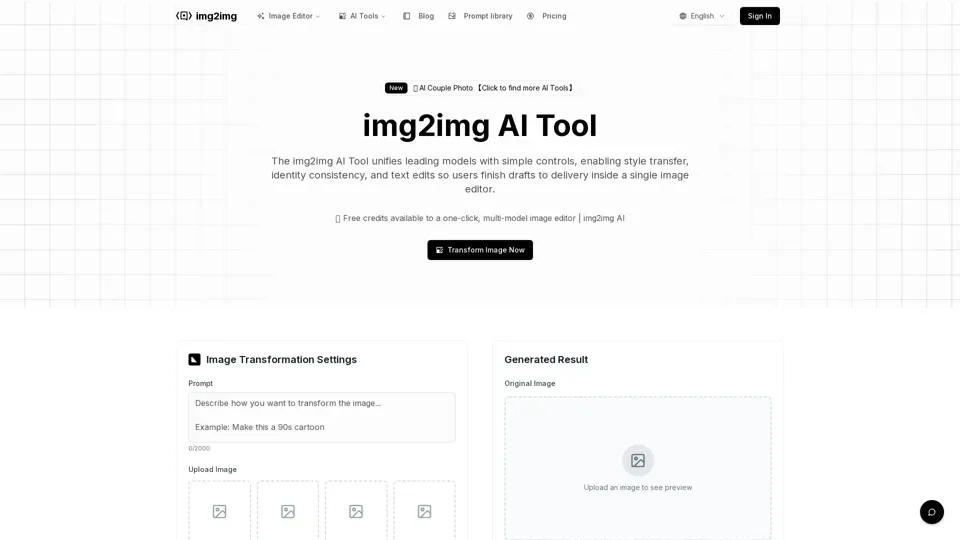
The img2img AI Tool is an all-in-one online image editor that unifies leading AI models with simple controls. It enables style transfer, identity consistency, text edits, and batch processing through a single intuitive interface.
Key Features
- Multi-Model Gateway: Access leading AI engines without switching tools or shuffling files
- One-Click Effects: Apply ready-made style, lighting, and retouch presets in batch
- Natural Language Editing: Describe changes like "make the background white" and get instant results
- Prompt Library: Industry templates and examples for quick, professional output
- Identity Preservation: Maintain facial features, outfits, and product shapes across edits
How to Use
- Upload your image to the platform
- Enter a descriptive prompt for desired changes
- Adjust resolution, output count, and strength parameters
- Generate, preview, and download high-quality results
Use Cases
img2img AI serves e-commerce businesses, photographers, social media creators, and marketing teams who need consistent, high-quality image transformations at scale.
Pricing
The tool offers free credits to get started, with a prompt library and industry templates included, making it a cost-effective solution for both individuals and businesses.