What is Gemini Watermark Remover?
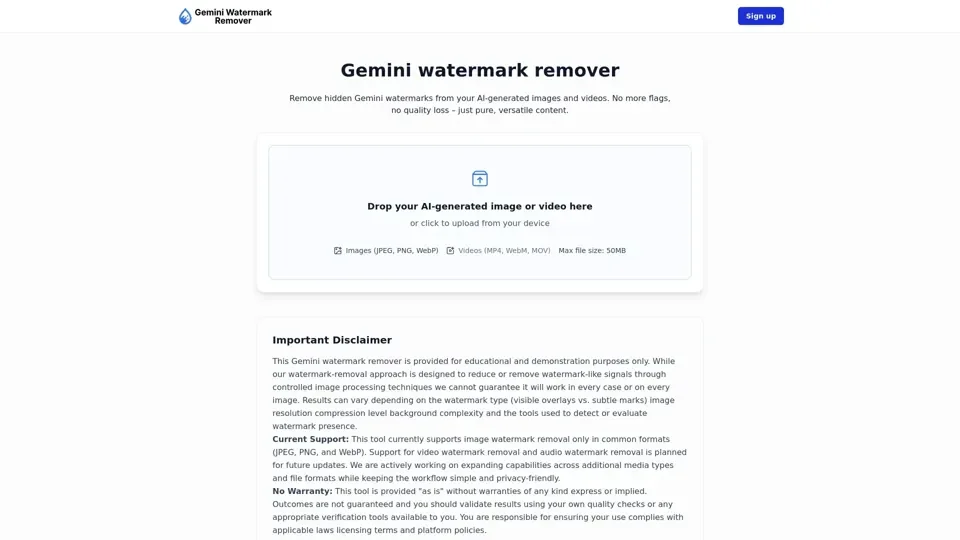
Gemini Watermark Remover is a browser-based AI tool engineered to detect and remove hidden digital watermarks embedded in Gemini AI-generated images. Using advanced pixel-level image processing, it eliminates watermark signals while keeping every image visually identical to the original—no quality loss, no visible artifacts.
Key Features
- 100% Local Browser Processing: All watermark removal happens on-device. Your images never leave your browser or touch any server.
- Multi-Format Support: Works with JPEG, PNG, and WebP formats, with planned expansion to video and audio watermark removal.
- Bulk Image Processing: Clean dozens of Gemini-generated images simultaneously to streamline your creative workflow.
- Lossless Quality Preservation: Controlled pixel-level adjustments ensure cleaned images look identical to originals—no compression, no degradation.
How to Use Gemini Watermark Remover
- Upload Images: Drag and drop your Gemini-generated images or click to select files from your device.
- Start Cleaning: Click the process button and the AI applies subtle pixel-level adjustments to neutralize watermark traces.
- Download Results: Preview and download your cleaned images in their original format and resolution.
Pricing
Gemini Watermark Remover focuses on accessible functionality with free core features.
Helpful Tips
- Always use original Gemini-generated files for best watermark removal results.
- Higher resolution images produce cleaner removal outcomes.
- Split very large batches into smaller groups for optimal browser performance.
- Review cleaned images at full zoom to verify quality before publishing.
Frequently Asked Questions
- Does it guarantee watermark removal? Results vary based on image complexity and watermark strength.
- Will image quality change? No, adjustments are invisible to the human eye.
- What formats are supported? JPEG, PNG, and WebP currently.